S
S
c
c
a
a
n
n
S
S
e
e
t
t
t
t
i
i
n
n
g
g
s
s
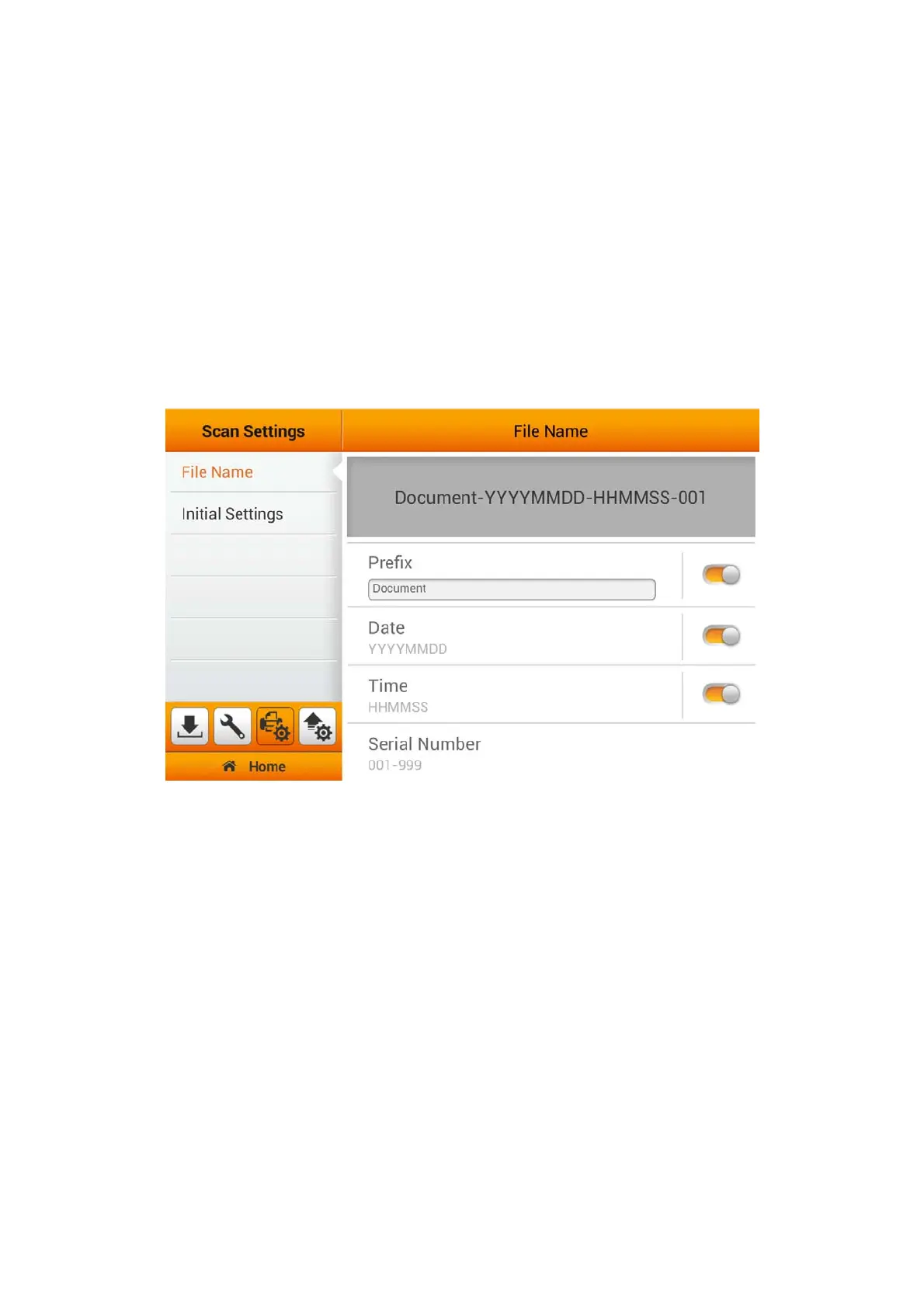
The Scan Settings section includes the following items: File Name and Initial
Settings that allows you to set a prefix for your scanned document's name, as well as,
predefine your scanner scan settings.
File Name
You may predefine a prefix name for the saved files on this page. You can see the
file-naming example on the top of the screen immediately after you make any
adjustments. The file name extension is automatically added according to the file
format you set up. You can also rename your document during the Save As stage of
your scanning process.
23















 To Next Page