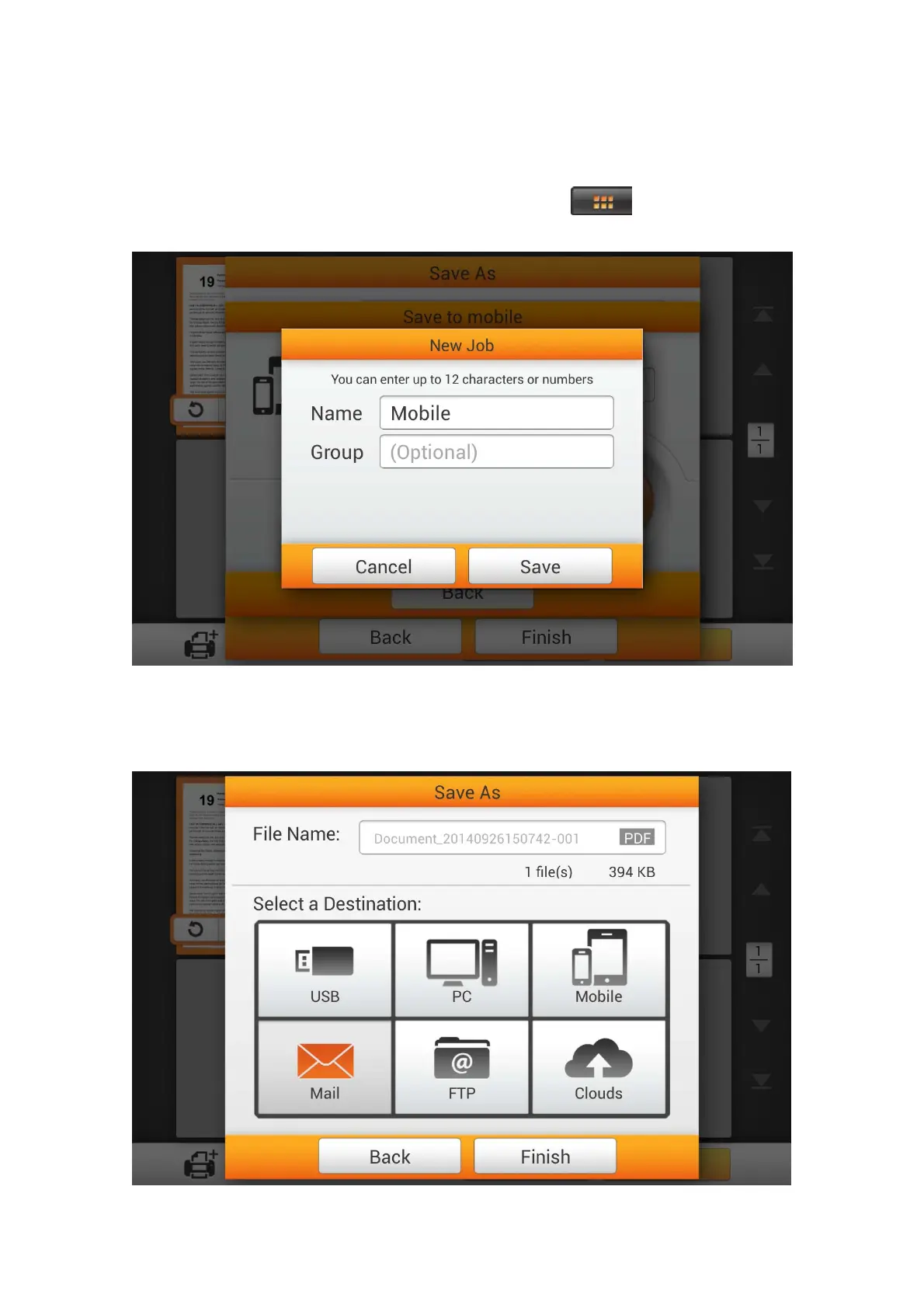
You may tap the Assign as a new job button to save this scan job as a frequently
used button. Enter the Name and tap the Save button to save the scan job. You may
enter the Group name if it is necessary. Next time when you want to scan document to
this destination with these scan settings, you can tap the
button on the upper-
right corner of the main screen to perform this scan job.
S
S
a
a
v
v
e
e
t
t
o
o
M
M
a
a
i
i
l
l
Tap the Mail button to send the scanned document to a desired e-mail address.
87















 To Next Page