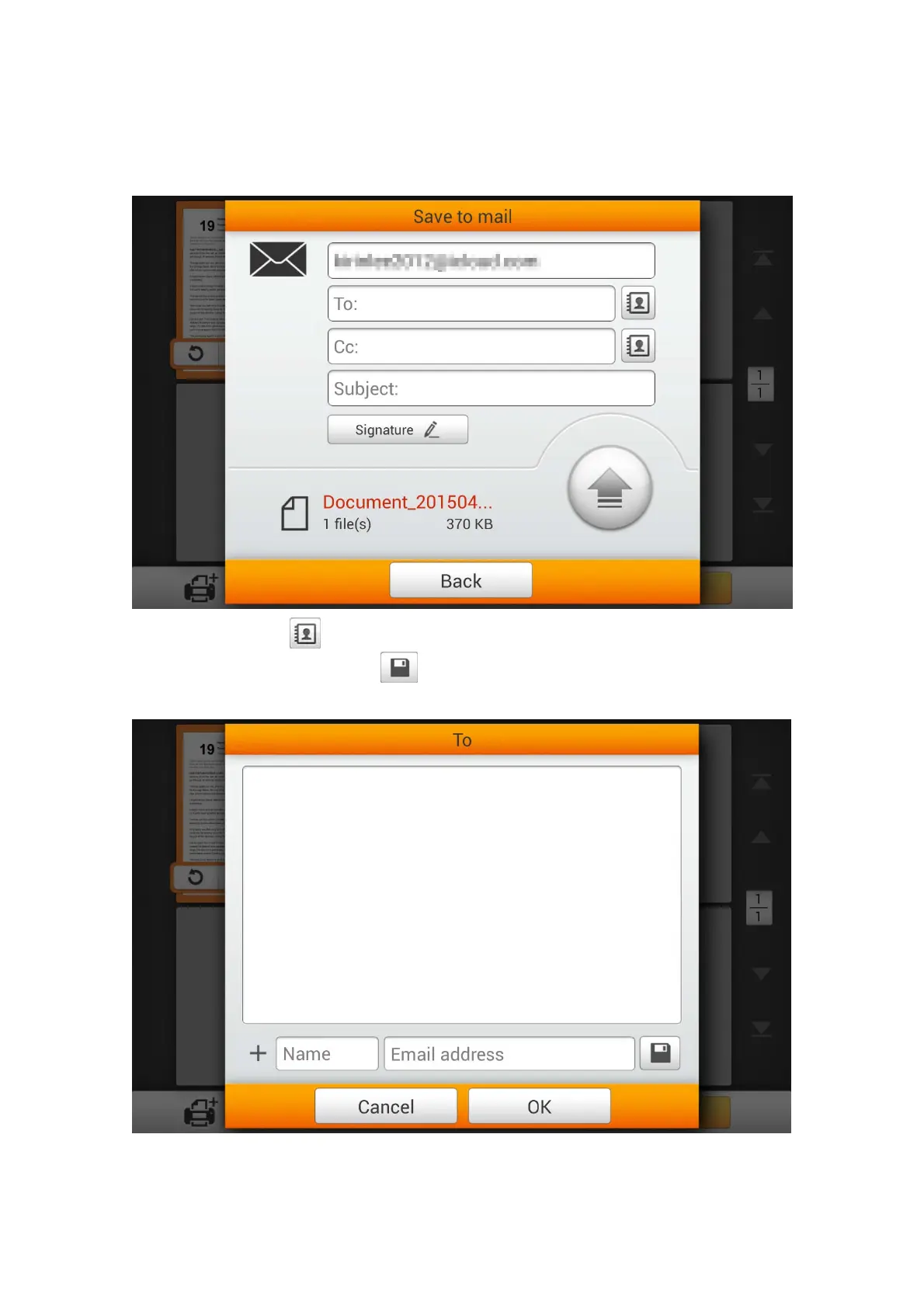
The following Save to mail dialog opens, you may modify the sender name if
necessary. Enter the receiver e-mail address in the To: field. If necessary, you may
enter an e-mail address in the CC: field, and enter the Subject.
You may tap the
button to select a preset e-mail address. Enter the Name and
the Email address, then tap the
button to save the e-mail address. You may save
up to 20 e-mail addresses in this address book.
88















 To Next Page