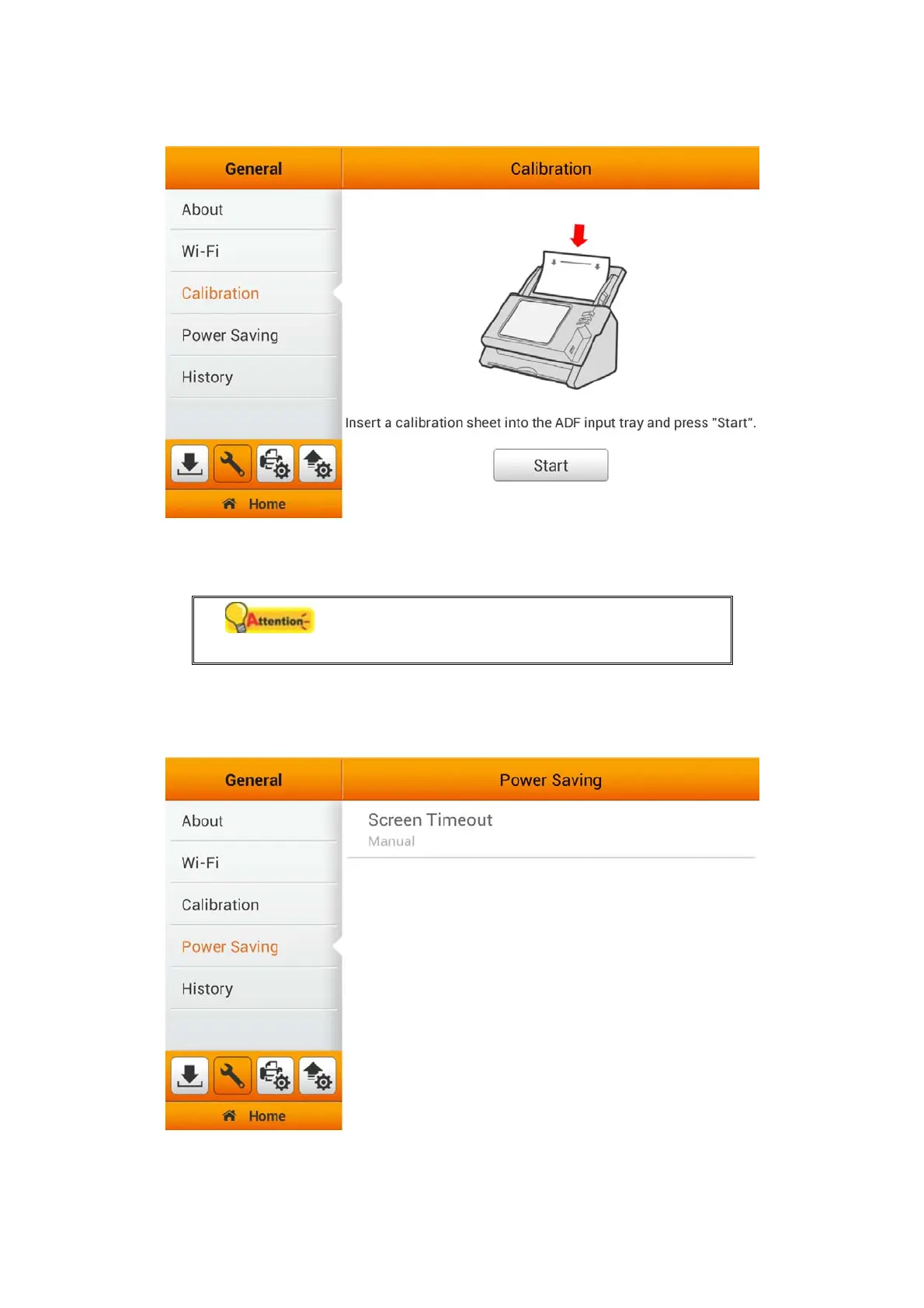
Power Saving
Attention
Strongly recommend using the function, to
extend the lifespan of your touch panel.
To save power consumption, when the scanning process is finished, the scanner
light source will turn itself off and the scanner will enter a lower-power mode without
delay time. You can set the Screen Timeout time on this page.
20















 To Next Page