CONFIGURING THE SYSTEM
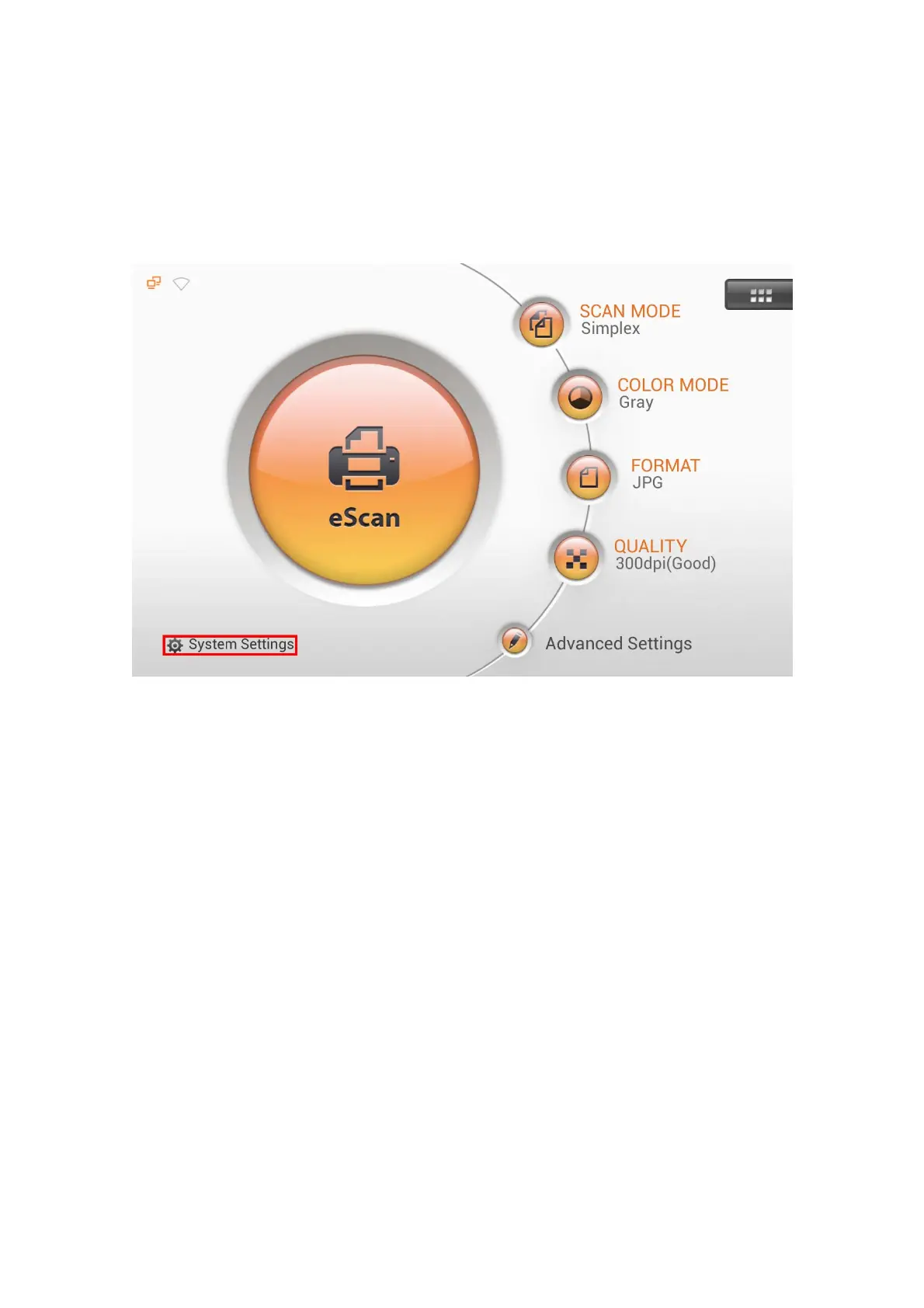
After powering on the system, you can tap on System Settings from the Main
Menu to enter the System Settings interface. For example, you can configure the Wi-Fi
settings if you want to connect wirelessly. You have to configure the outgoing mail
SMTP settings if you want to use the save to mail function.
The System Settings interface contains the following sections: Downloads,
General, Scan Settings and Sending.
10















 To Next Page