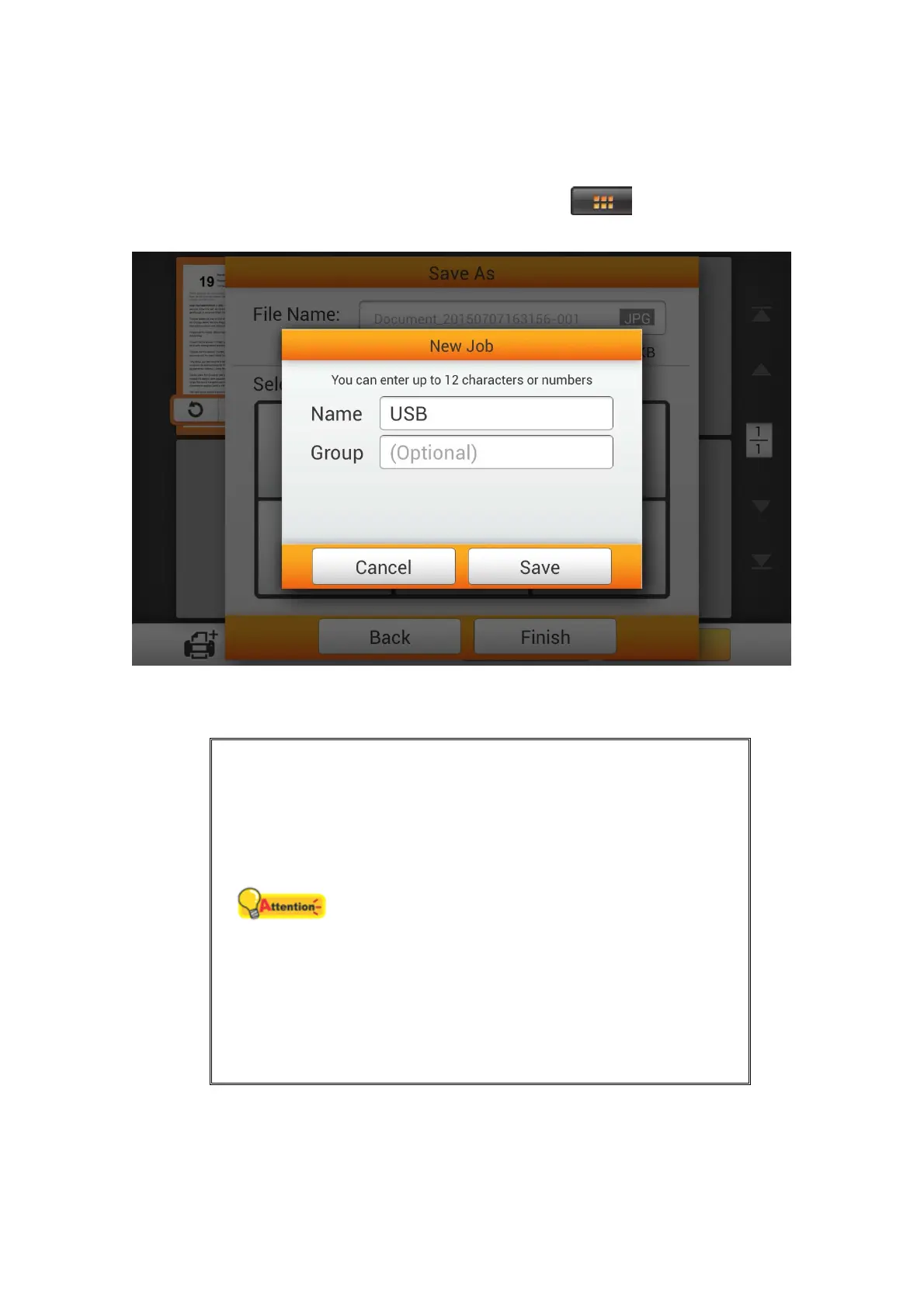
You may tap the Assign as a new job button to save this scan job as a frequently
used button. Enter the Name and tap the Save button to save the scan job. You may
enter the Group name if it is necessary. Next time when you want to scan document to
this destination with these scan settings, you can tap the
button on the upper-
right corner of the main screen to perform this scan job.
S
S
a
a
v
v
e
e
t
t
o
o
P
P
C
C
Attention
The scanner and the target device must be
on the same segment of the network.
Download the eScan Client software from
System Settings > Downloads > eScan
Client page. Please install the eScan Client
software on the user's computer before
trying the Save to PC function. In the eScan
Client interface, you can modify the User
Name, select the desired file Folder and
determine the action after the file is
downloading. Please make sure the eScan
Client software is executed before you try
the Save to PC function.
80















 To Next Page