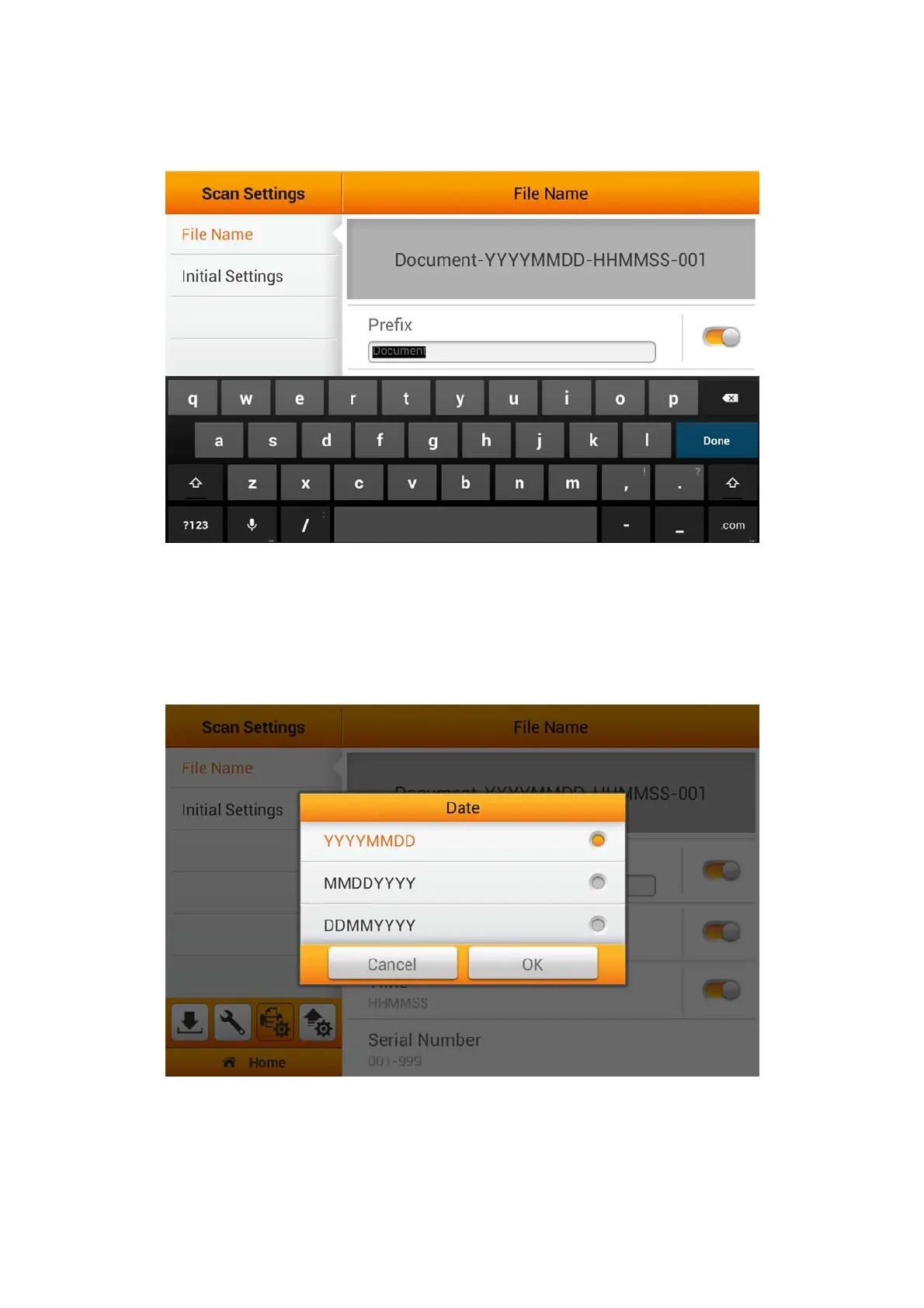
You can activate Prefix to display prefix in the file name. The text you enter here
will become the file name prefix.
Note: Please make sure there is an active internet connection before you power on
the scanner. The scanner requires access to the internet to set the device date and
time.
You can activate Date to display the date in the file name. Select the desired format
of Date in the following dialog.
24















 To Next Page