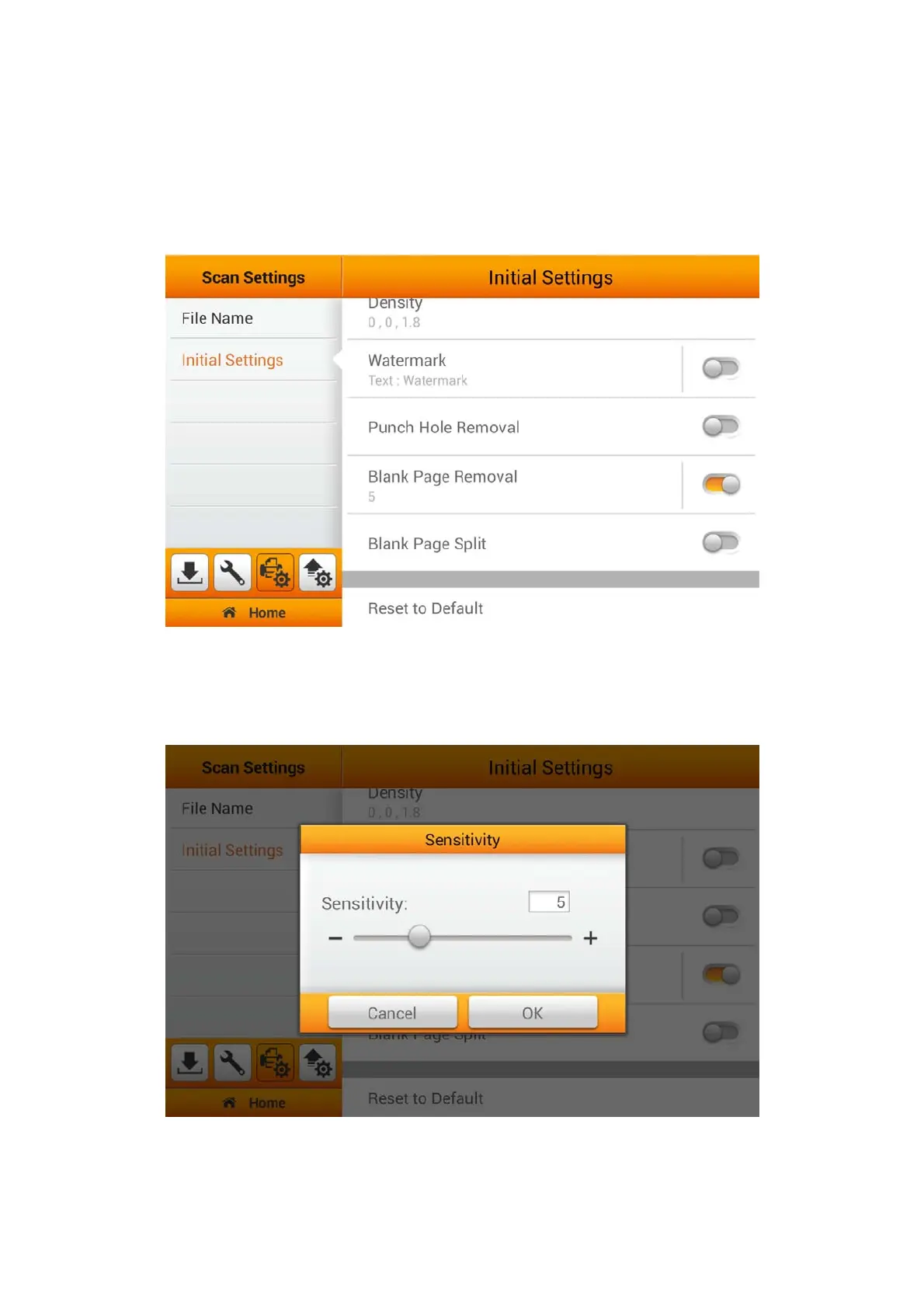
Blank Page Removal Settings
Enable Blank Page Removal under the Initial Settings will allow you to easily
Reset to Default under the Advanced Settings from the Main Menu. To
Enable/Disable 'Blank Page Removal', switch on the 'Blank Page Removal'
function under the 'Advanced Settings' from the Main Menu.
Switch on this function to remove blank pages after the document is scanned.
Adjust the Sensitivity level in the following dialog. The higher the sensitivity, the more
scanned pages will be treated as blank pages and removed. Tap the OK button to
confirm the settings or tap Cancel to exit this dialog.
38















 To Next Page