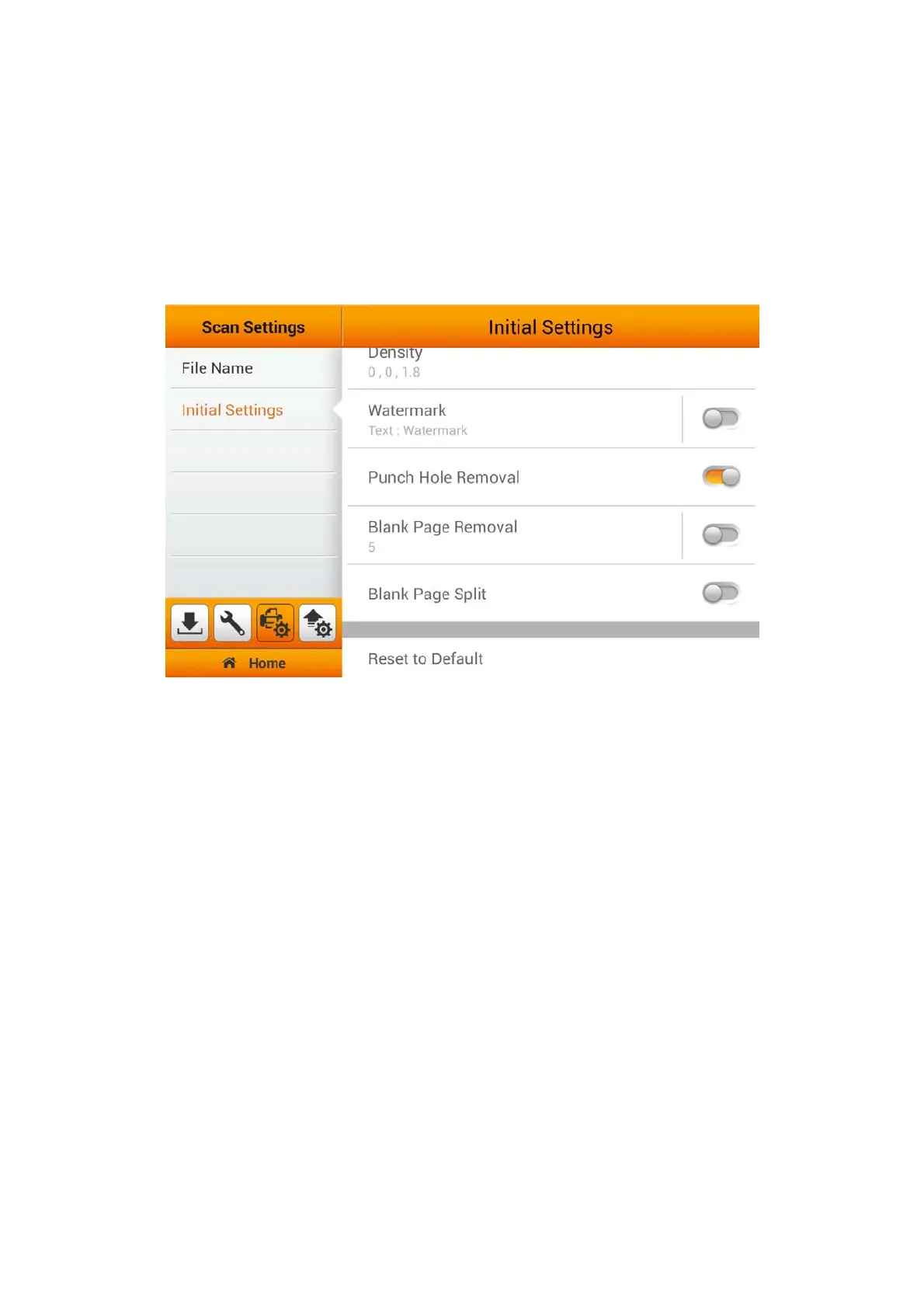
Punch Hole Removal
You can activate the Punch Hole Removal function. Switch on this function to
remove the hole marks aligned along with the edge of the scanned document. Enable
Punch Hole Removal under the Initial Settings will allow you to easily Reset to
Default under the Advanced Settings from the Main Menu. To Enable/Disable
'Punch Hole Removal', you must enable the 'Punch Hole Removal' function under
the 'Advanced Settings' from the Main Menu.
37















 To Next Page