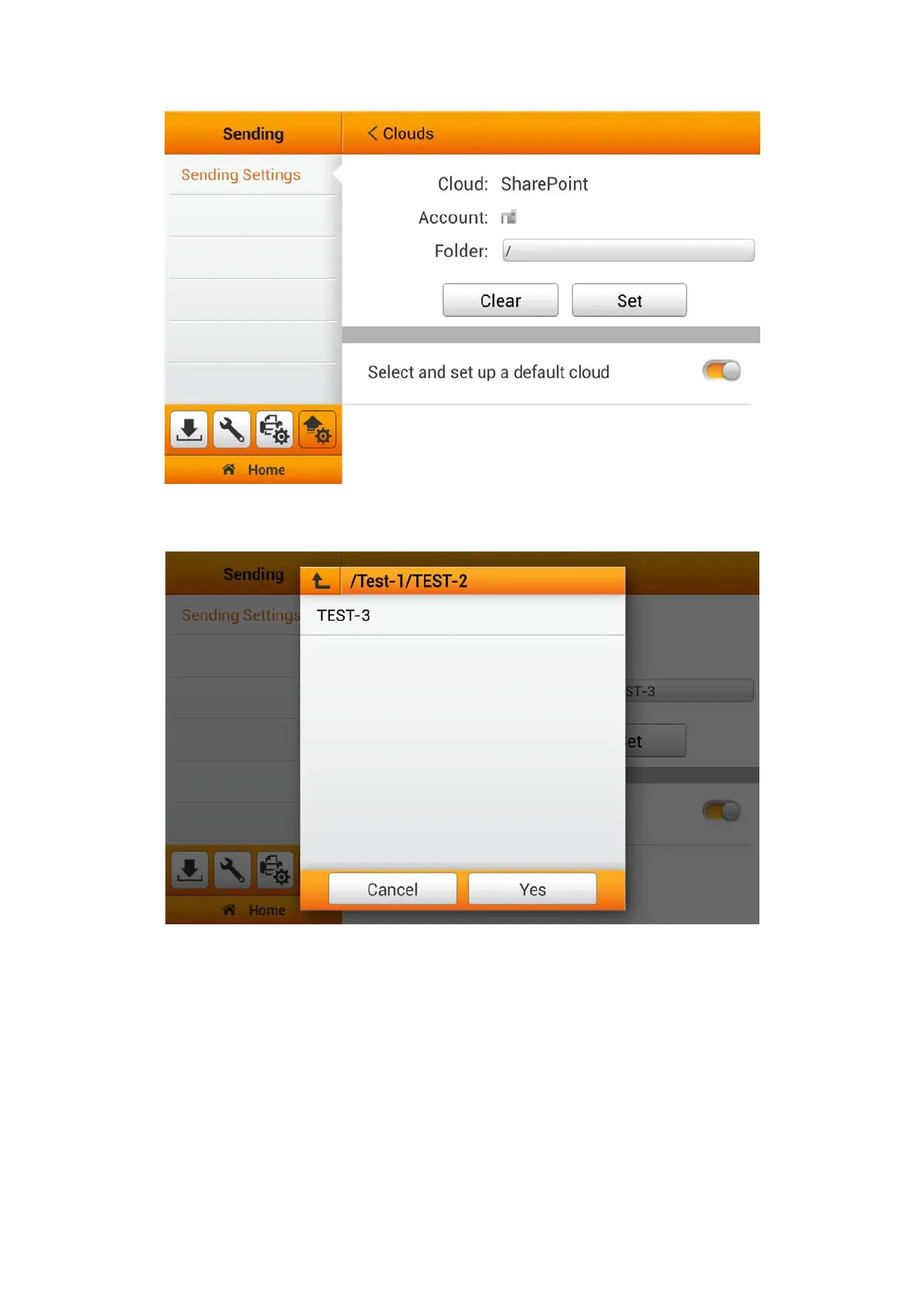
Tap on the Folder field to select the desired saving folder. Tap the Yes button to
confirm the settings or tap Cancel to exit this dialog.
If the preset cloud server is the only destination, you can activate Select and set
up a default cloud function. Note: Multiple cloud accounts can be stored. Please
enable the various clouds of your choice, and initiate the setup at 'Save as-
Cloud' page.
48















 To Next Page