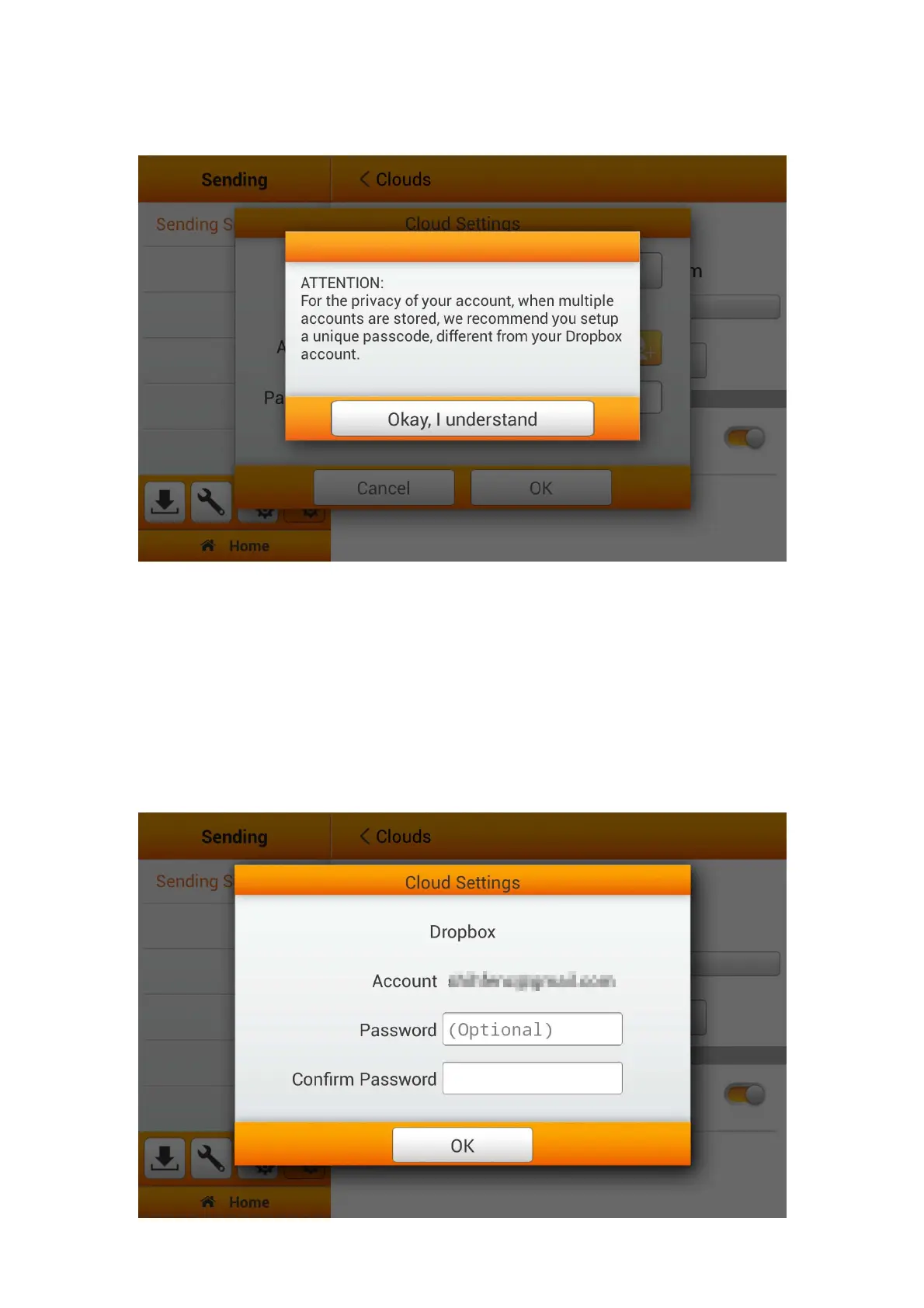
Tap on Okay, I understand button for the privacy attention dialog.
Enter the Password if it is necessary. Enter the password in Confirm Password to
confirm.
The device allows you to store multiple accounts with selected cloud services*. If
you are sharing the device, it is recommended that you setup another password to
protect your account being intruded by others. The password here, does not have to be
identical to your cloud account. You can skip this step, by leaving the 'optional'
password blank, and tap on OK to continue. (You may setup the password at a later
time)
*Storing multiple accounts are currently solely available on Dropbox and Google Drive.
51















 To Next Page