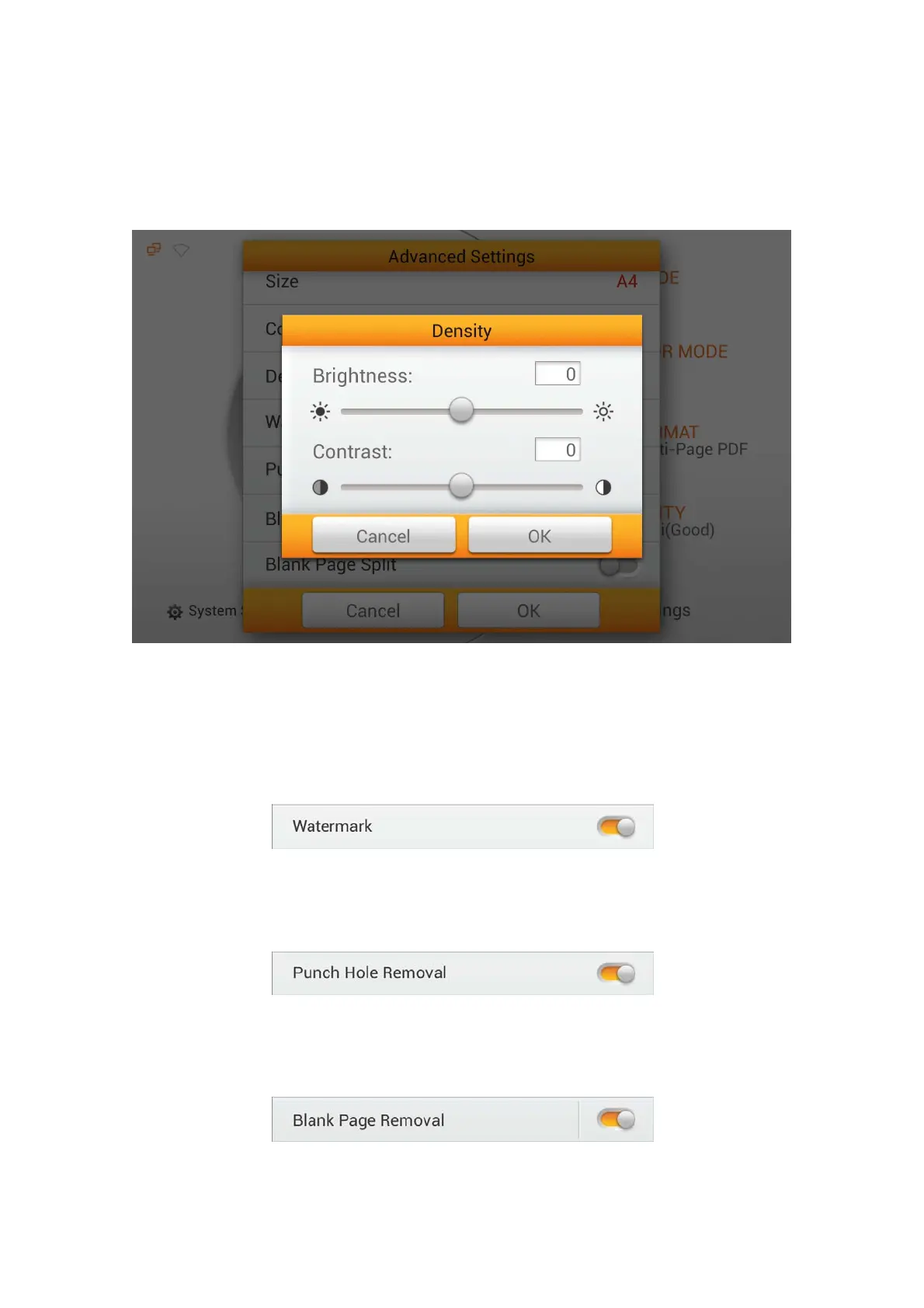
Density
Adjust the brightness and contrast levels of the image to improve the visual
appearance of the scanned file. Tap the OK button to confirm the settings or tap
Cancel to exit this dialog.
Watermark
Switch on or off the Watermark function. Switch on this function to add watermark
on the scanned images.
You must first set the relevant settings under System Settings -->Scan Settings --
> Initial Settings and switch on the Watermark function "HERE".
Punch Hole Removal
Switch on or off the Punch Hole Removal function. Switch on this function to
remove the hole marks aligned along with the edge of the scanned document.
Blank Page Removal
Switch on or off the Blank Page Removal function. Switch on this function to
remove blank pages after the document is scanned.
Adjust the Sensitivity level in the Sensitivity dialog. The higher the sensitivity, the
more scanned pages will be treated as blank pages and removed.
71















 To Next Page