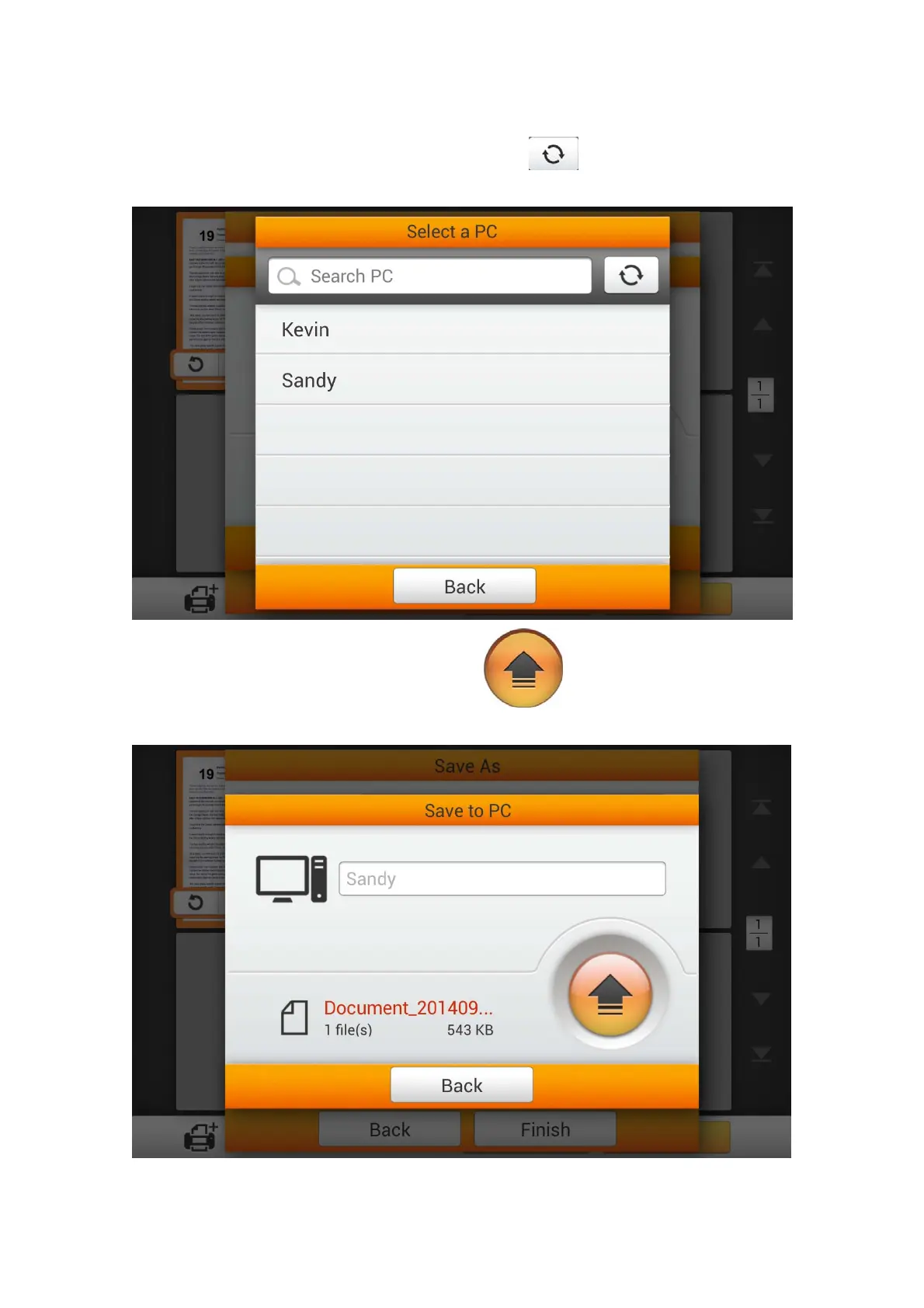
In the Select a PC dialog, you can find a list of the connected computers. If the
desired computer is not on the list, please tap the
button to refresh the list or
use the Search PC field to search for the desired computer.
After selecting the desired PC, tap the
button to save the scanned
document to the selected computer.
82















 To Next Page