Getting Started
Thank you for purchasing the PocketBook InkPad EO! A few opera-
tions are required to get started. The schematic diagrams are only
for reference, subject to the physical product!
CHARGING BATTERY
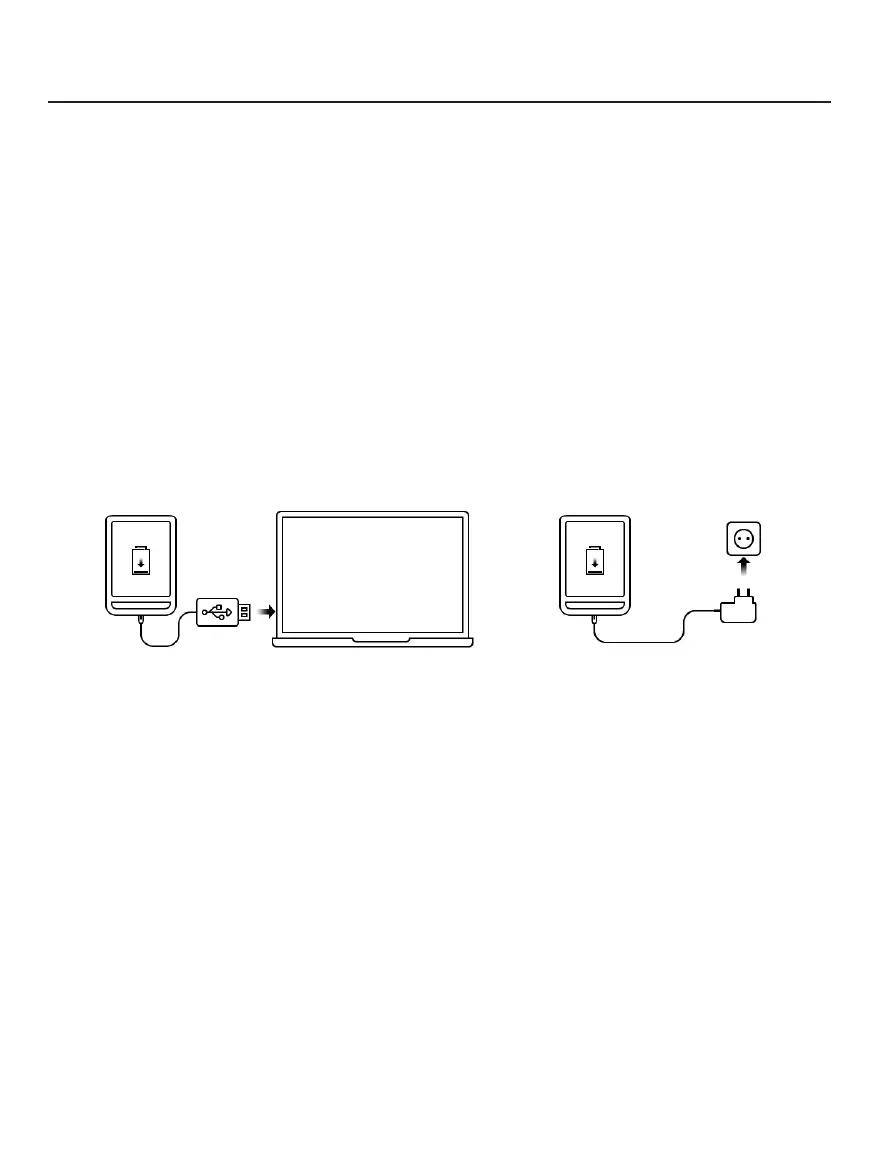
You can charge the battery from (1) PC using USB-cable or from (2)
the power line using a charger (optional).
1 2
To charge the battery for the first time, do the following:
• Connect the Device to a computer or charger with USB-cable.
The device will turn on as soon as charging starts.
• When the battery is fully charged, you can disconnect the ca-
ble from the Device which is ready for usage.















 To Next Page