Getting Started 14
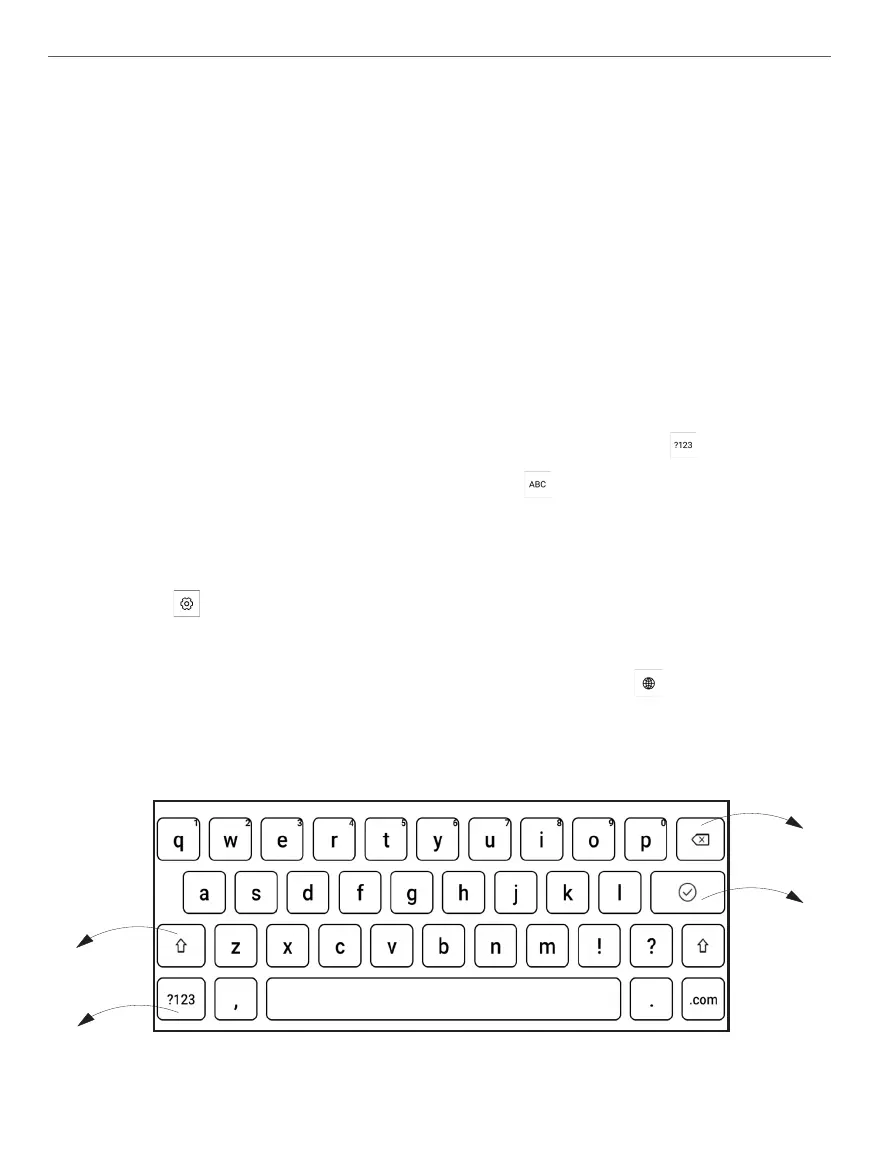
WORKING WITH ON-SCREEN KEYBOARD
On-screen keyboard is used when it’s necessary to enter text infor-
mation, for example, for search or network connection credentials.
To type a character, tap a dedicated button. To type a special char-
acter, long press a dedicated button. Select the required special
character in the drop-down list.
To switch from alphabet to numeric keyboard, tap . To switch
from numeric to alphabet keyboard, tap .
To add a new keyboard language, go to Settings > On-Screen Key-
board tap , and choose Languages.
To switch to a different keyboard language, tap . The selected
language is displayed on the spacebar.
4
2
1
3















 To Next Page