Reading Books 45
Tap Share – to share the chosen word or phrase.
Tap Copy – to copy the chosen word or phrase.
Tap Settings – to open global settings and set the highlight settings.
Tap More – to expand the context menu.
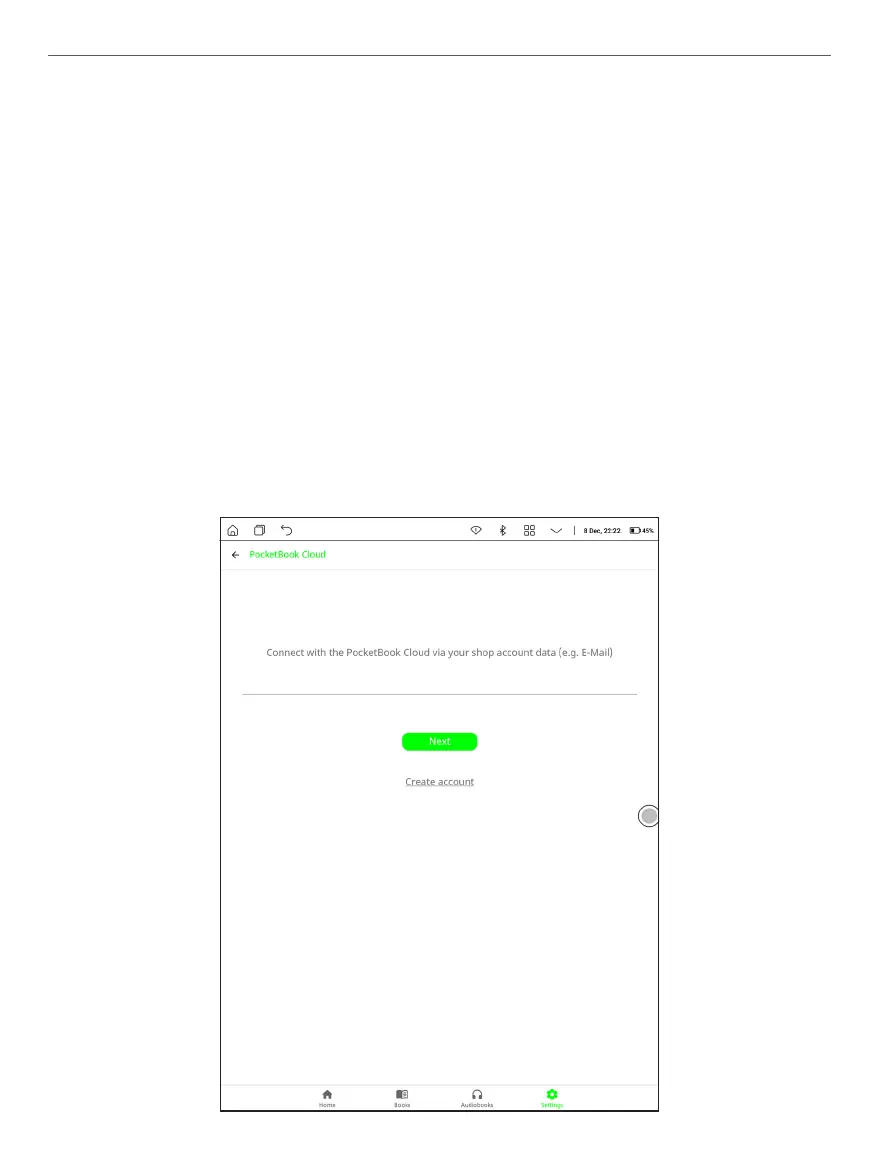
PocketBook Cloud
After logging into your PocketBook Cloud account, you will get ac-
cess to your previously downloaded books, favorites, collections,
and saved reading processes.















 To Next Page