Reading Books 38
• Current doc & Another Doc. In this mode you can open
two different books and read them simultaneously.
• Doc & Notepad. In this mode you can read book on the
left side of the screen and make handwritten notes on the right
side.
To Exit any of Split Screen mode - tap on the middle area of the
reading page of the e-book and tap on the icon that pops up
at the top.
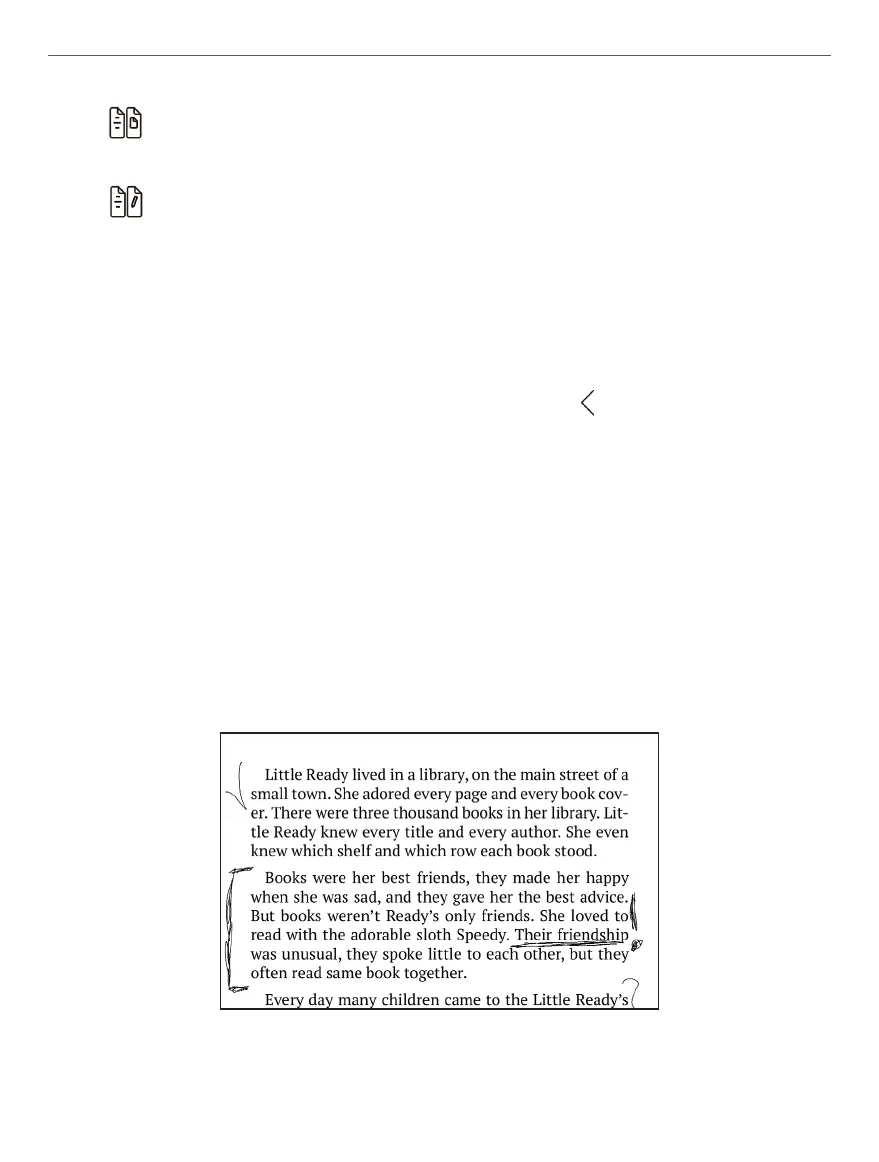
Handwritten notes
You can make your handwritten notes by drawing them directly in
eBook with Wacom Stylus supplied with your device.
Example of handwritten notes















 To Next Page