Main Menu 22
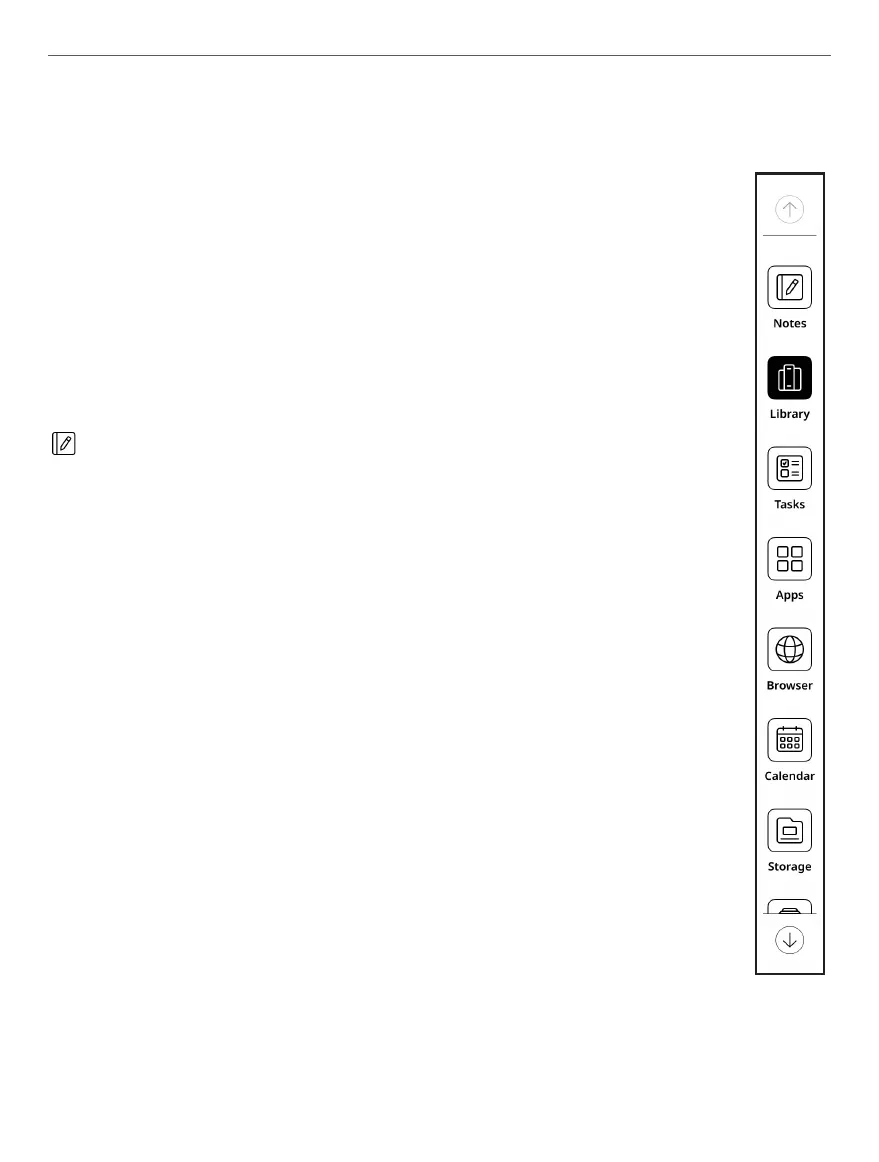
SIDE MENU
Side bar includes major Applications Menus in device firm-
ware. You can add or remove any application from Side
Bar by taping on icon and selecting/deselecting particular
applications from menu. By default, it includes following
environments:
Notes
The Notes application shows a list of notes, selected text
fragments, translation notes made using a dictionary while
reading as well as comments on these selected fragments.
The application can also be used to export selected notes.
To create a new note, click the [Note] button on the top pa-
nel of the screen. In the window that opens, select the type
of note you want to create, then click [Confirm].
NOTE: You can use “Long press menu” on the note to get access
to following hidden control elements:
• Set as screensaver picture – set the note as a screensaver.
• Rename – rename your note.
• Move – move notes to chosen folders.
• Delete – delete files and folders.















 To Next Page