Main Menu 21
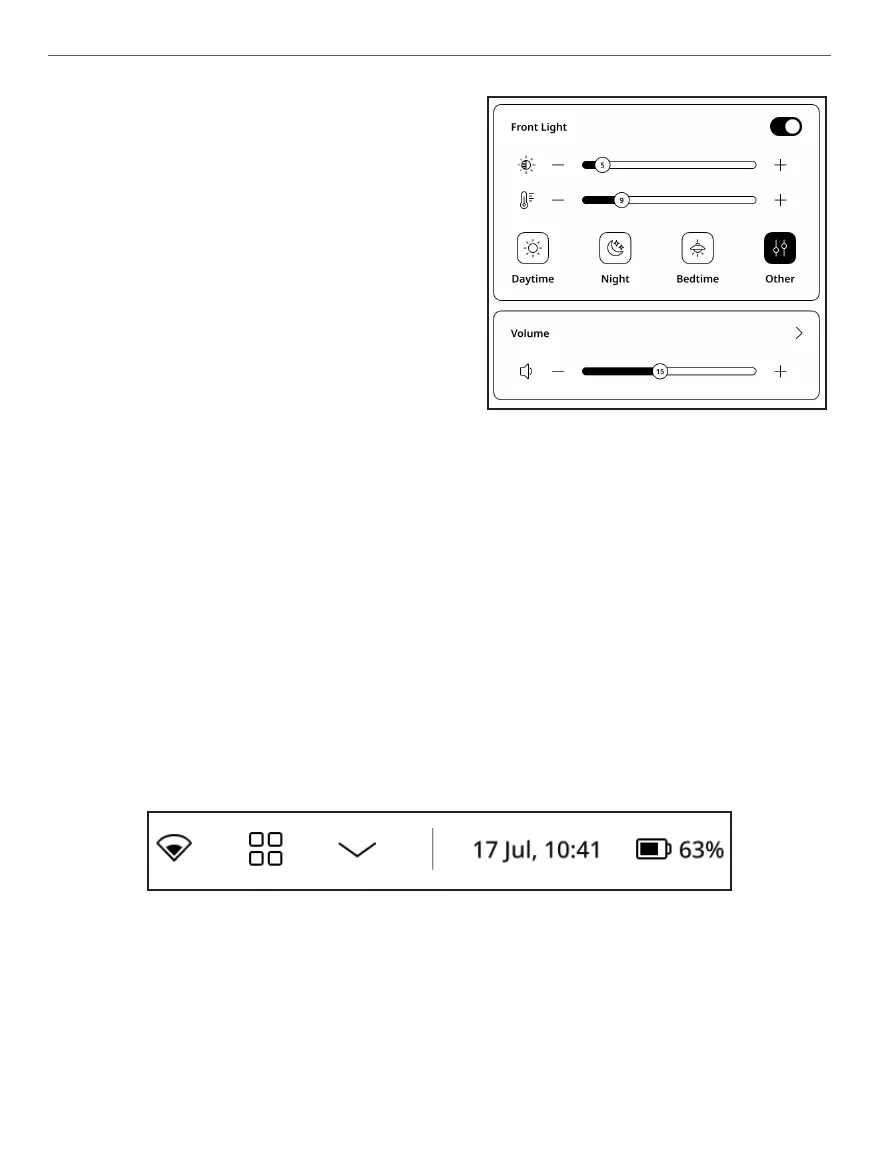
• Frontlight brightness slider –
controls screen brightness level.
• Frontlight color tempera-
ture slider – controls screen color
temperature.
You can adjust the frontlight bright-
ness and frontlight temperature of
your display by tapping the front-
light brightness and frontlight
temperature icons respectively. The brightness and colour tempe-
rature are raised/lowered by one per cent per tap.
You can also configure automatic frontlighting settings such as:
Daytime (daylighting), Night (nightlighting), Badtime, Other.
• Volume – volume control panel.
Status panel
This element includes following elements:
Status panel appearance
1. Day/Time;
2. Wi-Fi signal strength indicator;
3. Battery level.















 To Next Page