Reading Books
In this chapter you will learn how to read e-books and configure
reader software for the most comfortable reading.
The Device supports next book formats: AZW, AZW3, DOC, DOCX,
EPUB, FB2, FB2.ZIP, HTM, HTML, MOBI, PDF, PRC, RTF, TXT.
To open a book, touch its icon on Home screen or Books section.
If you opened a book before, it will be opened at the page you’ve
finished reading.
Navigation and page turning
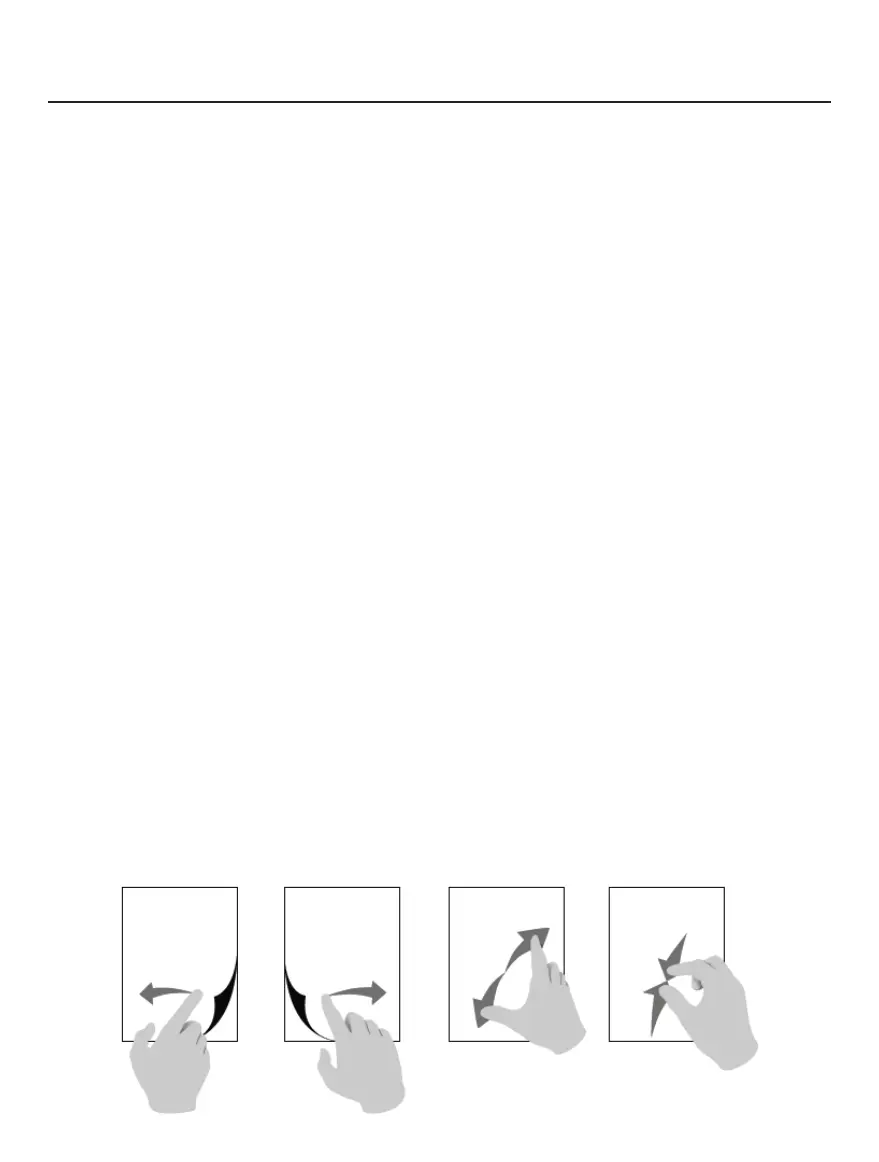
For eBook page turning you can use any of following methods:
1. Swipe Left/Right gestures with your fingers.
2. Tap Left/Right part of the screen
3. Forward button or Backward button located below the de-
vice screen.
Page turning
Scaling















 To Next Page