Main Menu 19
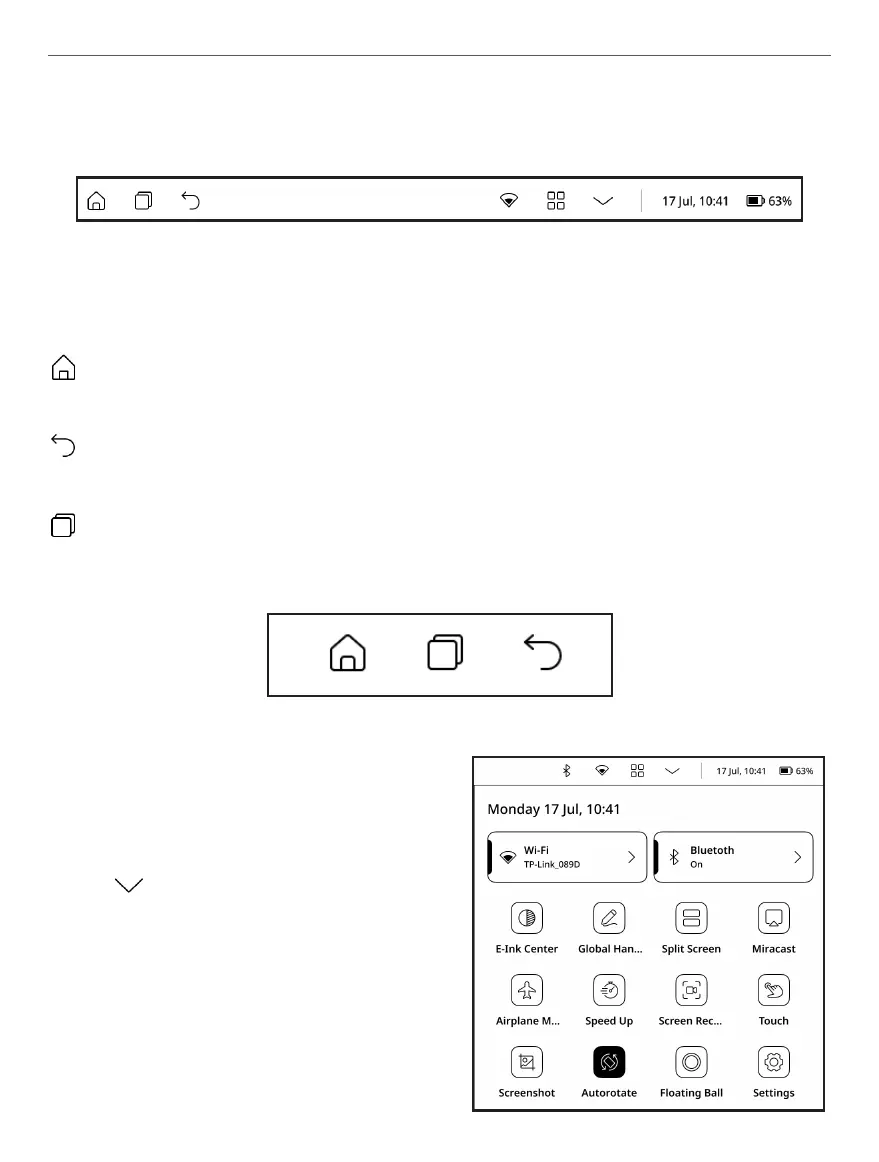
TOP MENU
Navigation buttons
Home button – instantly returns you to Main Menu from any
part of device Firmware.
Back button – cancelling latest action and return back for one
step.
Task manager button – allows you to observe and control
launched applications.
Navigation buttons appearance
Main control switch panel
Press button to show major fol-
lowing switches and sliders:
• Wi-Fi network button – al-
lows to turn Wi-Fi connection
ON and OFF. Longtap opens the
settings.















 To Next Page