Reading Books 37
• Rotation: You can set the rotation direction to default por-
trait, rotate 90°, rotate 180°, rotate 270° or rotate with the system
direction.
• Leave blank space: When choosing left and right cropping, it
is the default size of the blank area retained when cropping, which
is a manual modification of the cropping edge.
Contrast. Adjust tex and picture contrast:
• Text contrast. Adjust the clarity of the text.
• Picture contrast. Adjust the contrast of the image.
For books in PDF format:
• Watermarking bleaching. Adjust bleaching of the
watermarks.
• Contrast. Adjust the contrast of the image.
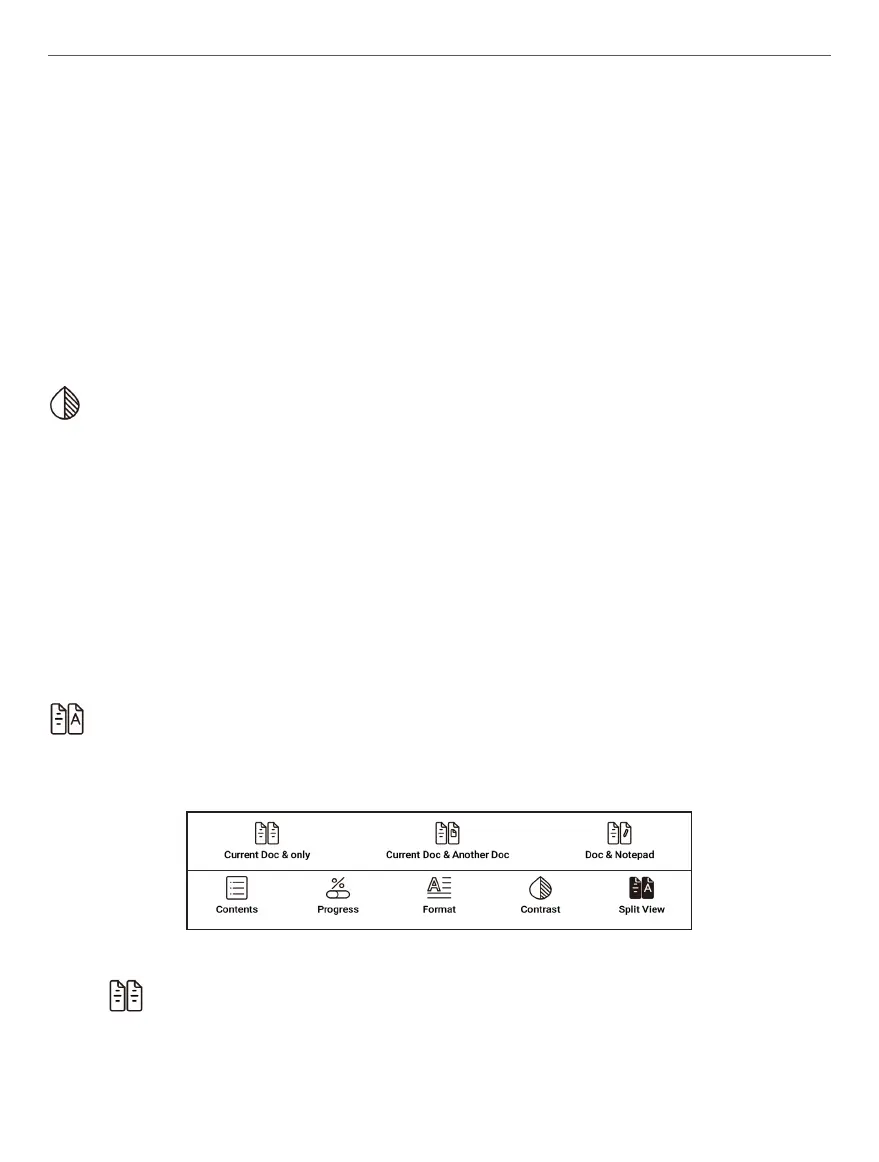
Split View. In this menu you can split your screen in several
modes:
• Current Doc & only. In this mode you can choose to see
different pages of same book.















 To Next Page