Reading Books 36
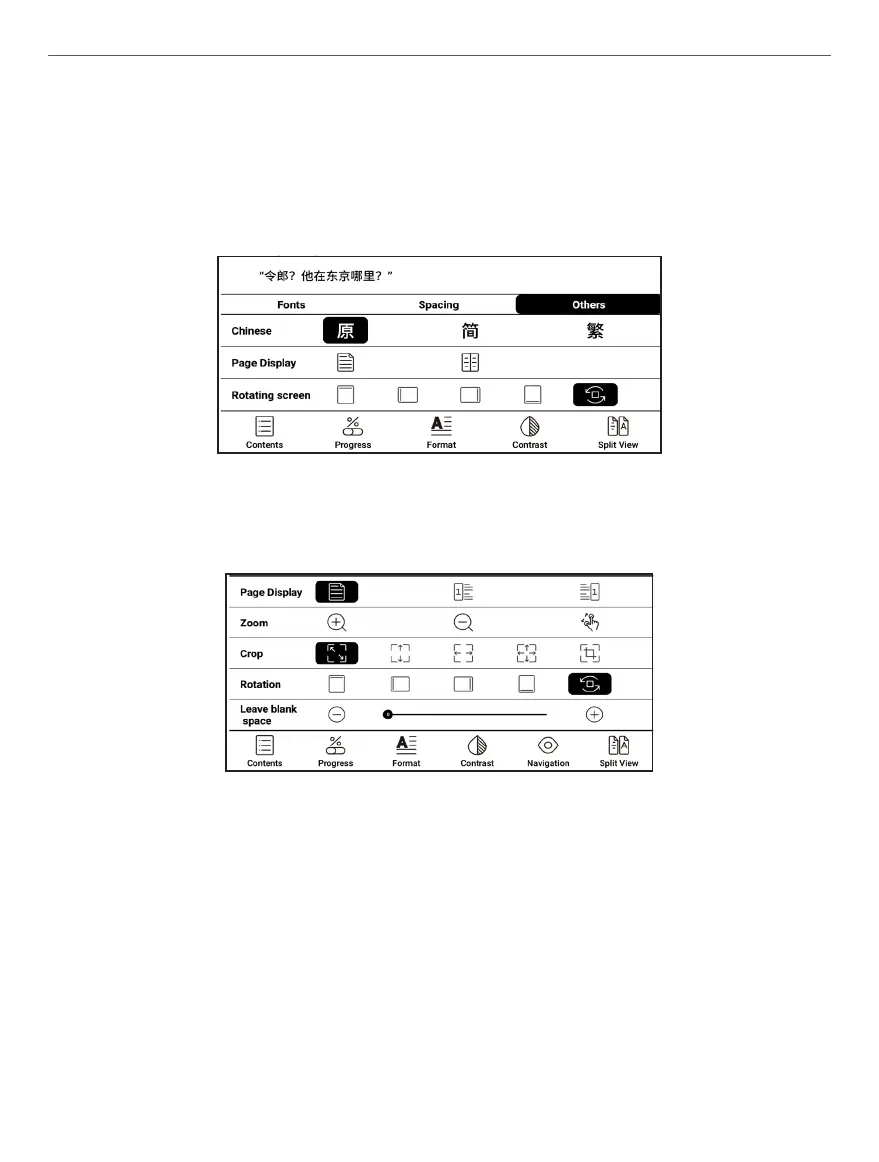
• Other: Convert between simplified, traditional and default
fonts; set double-page or single-page reading; adjust the screen
orientation.
For PDF:
• Pagination: Choose the left or right side as the starting page.
• Zoom: Click to gradually enlarge or shrink; turn on or off two-
finger zoom.
• Crop: You can crop corners, top and bottom, left and right, all
around, and custom cropping.















 To Next Page