Main Menu 25
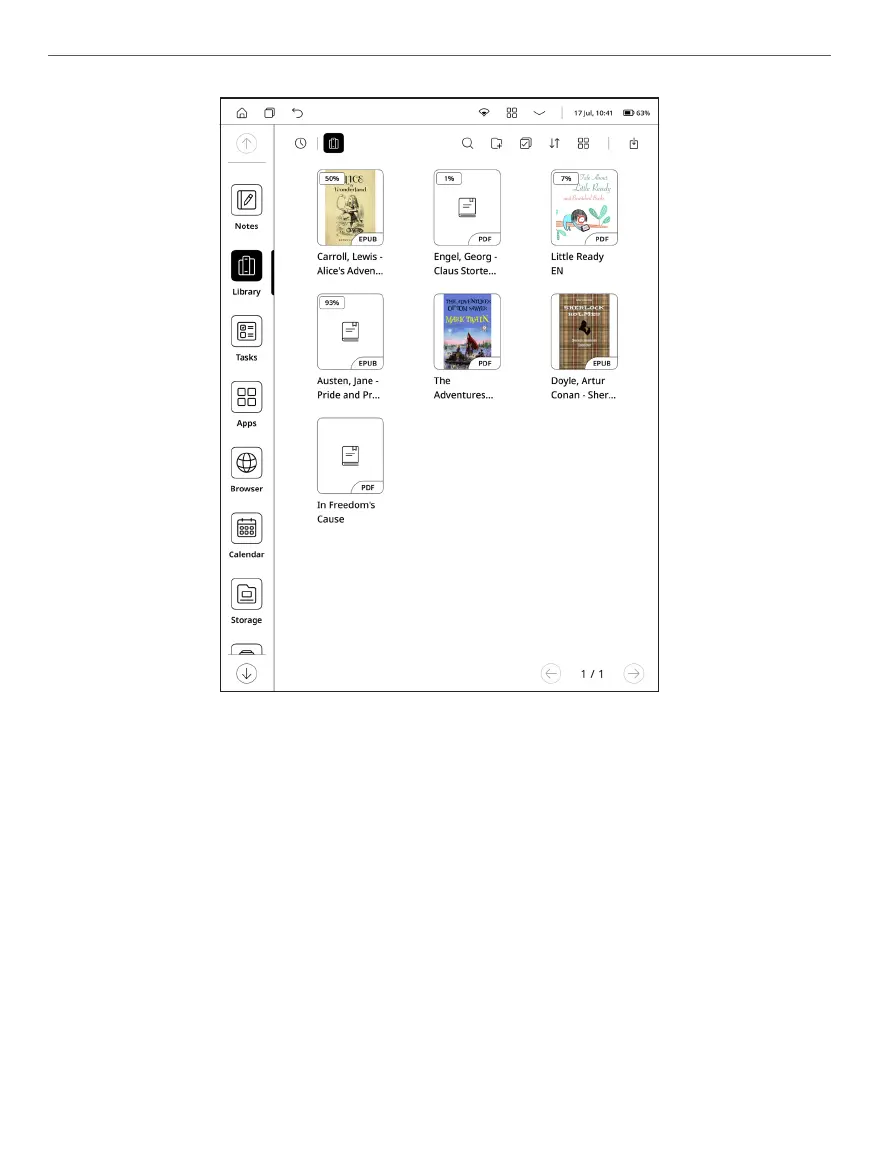
NOTE: You can use “Long press menu” in this environment to get access to
following hidden control elements:
• Rename – change name of the file.
• Share – send your files to other applications or share through
Bluetooth.
• Open with – select applications to open your files.
• Delete – removing unnecessary files from device memory.
Library Menu appearance















 To Next Page