Reading Books 34
Disabling/Enabling page turning by tap gesture.
Line thickness. Adjust thickness of the lines drawn with your
Stylus.
Settings. Here you can set following reading settings.
• Long press menu – allow to choose between launching Dic-
tionary application or Long Press Menu when you’re tap and hold
on any word in eBook
• Two finger zoom – Enabling or disabling Pinch to Zoom In/Out
gestures
Add/Remove bookmarks. Allows to create or remove book-
marks on certain pages.
Bottom Panel consist of following icons and elements:
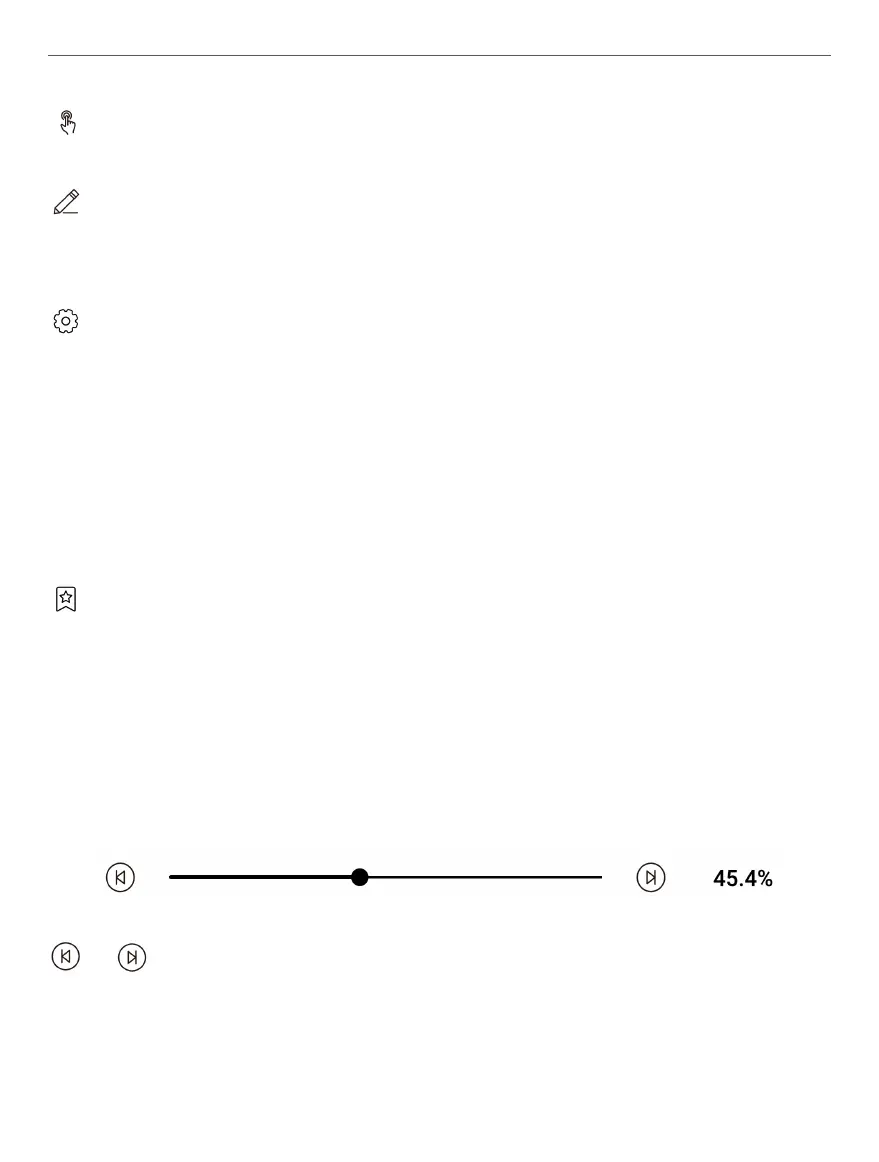
Paging slider. Allows you to quickly move to certain page of the
book.
/ Chapter switches. Allows you to instantly navigate be-
tween chapters.















 To Next Page