PM67 Android 11 User Manual
Learning the Basics
27
© 2021 Point Mobile Co., Ltd. All rights reserved
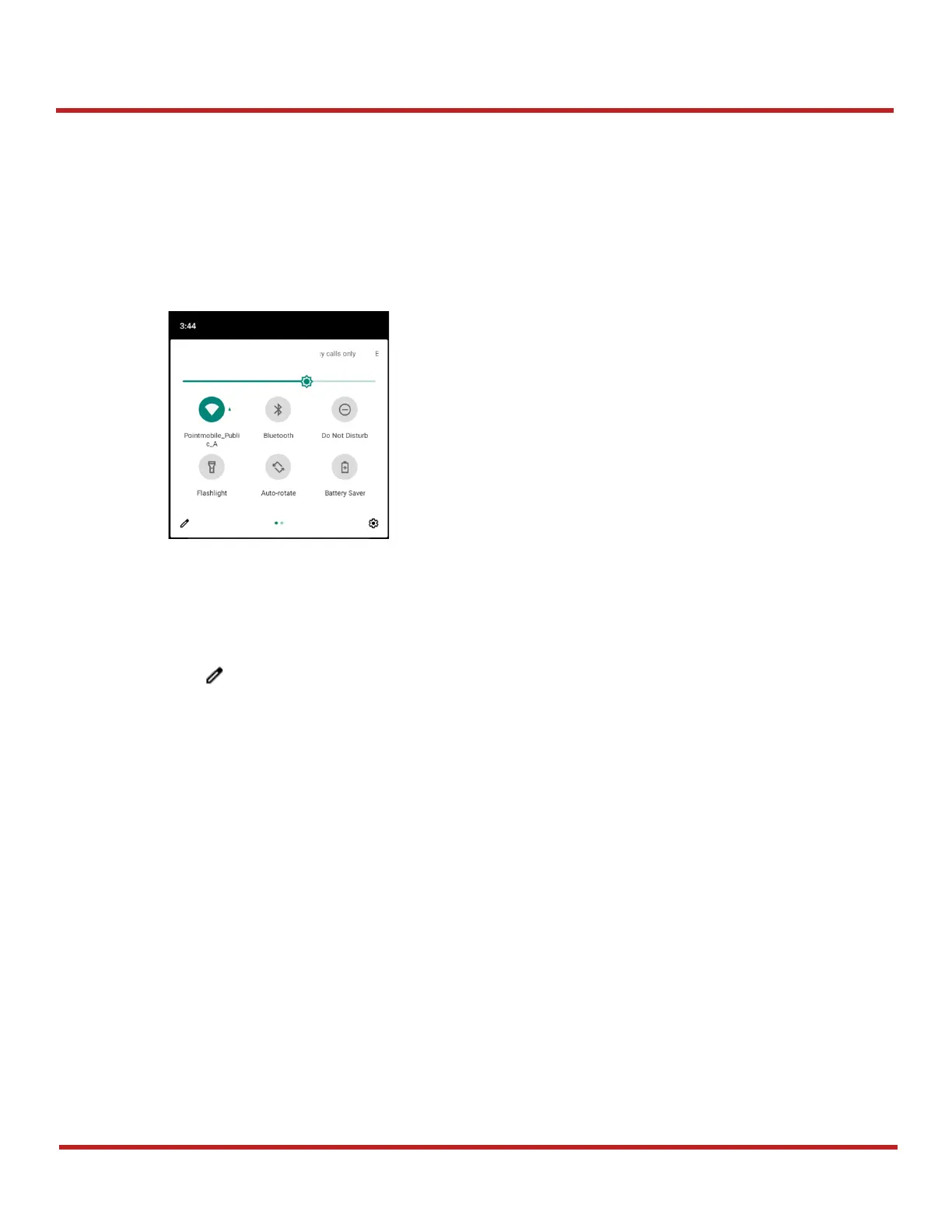
Quick setting panel
Quick setting panel contains some frequently used settings such as Wi-Fi, Bluetooth, etc.
To use the Quick setting panel,
1. Open the Notification panel.
2. Drag down the Notification panel.
3. Tap a setting icon to enable / disable the setting or long-press an icon to see more detail.
To edit the configuration of Quick settings panel,
1. Tap on the bottom of the panel.
2. By long-press and dragging the icon, customize the configuration of the panel.



 To Next Page