PM67 Android 11 User Manual
Scanner
61
© 2021 Point Mobile Co., Ltd. All rights reserved
N6603 Scanner SKU (SKU3)
Center the cross-hair laser aimer over the barcode. The entire barcode must be inside the illumination
square.
ScanDemo
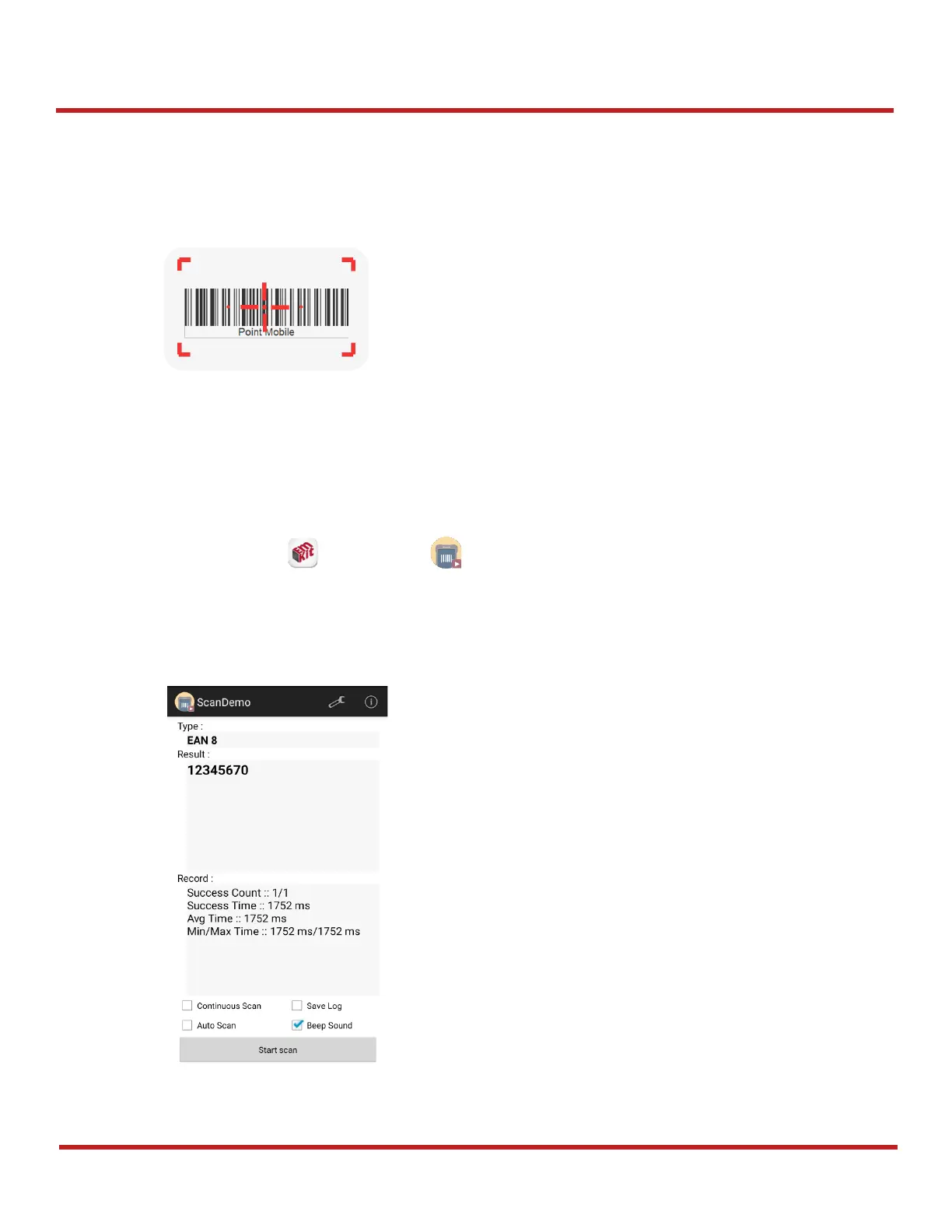
Using Scan Demo app, demonstrate the scanning feature.
1. Execute
EmKit
>
ScanDemo
.
2. Scan a barcode by pressing the scan button on the device or tapping
Start scan
button on the
screen.
3. Find scan result



 To Next Page