PM67 Android 11 User Manual
Wireless
64
© 2021 Point Mobile Co., Ltd. All rights reserved
Bluetooth
Turn on / off
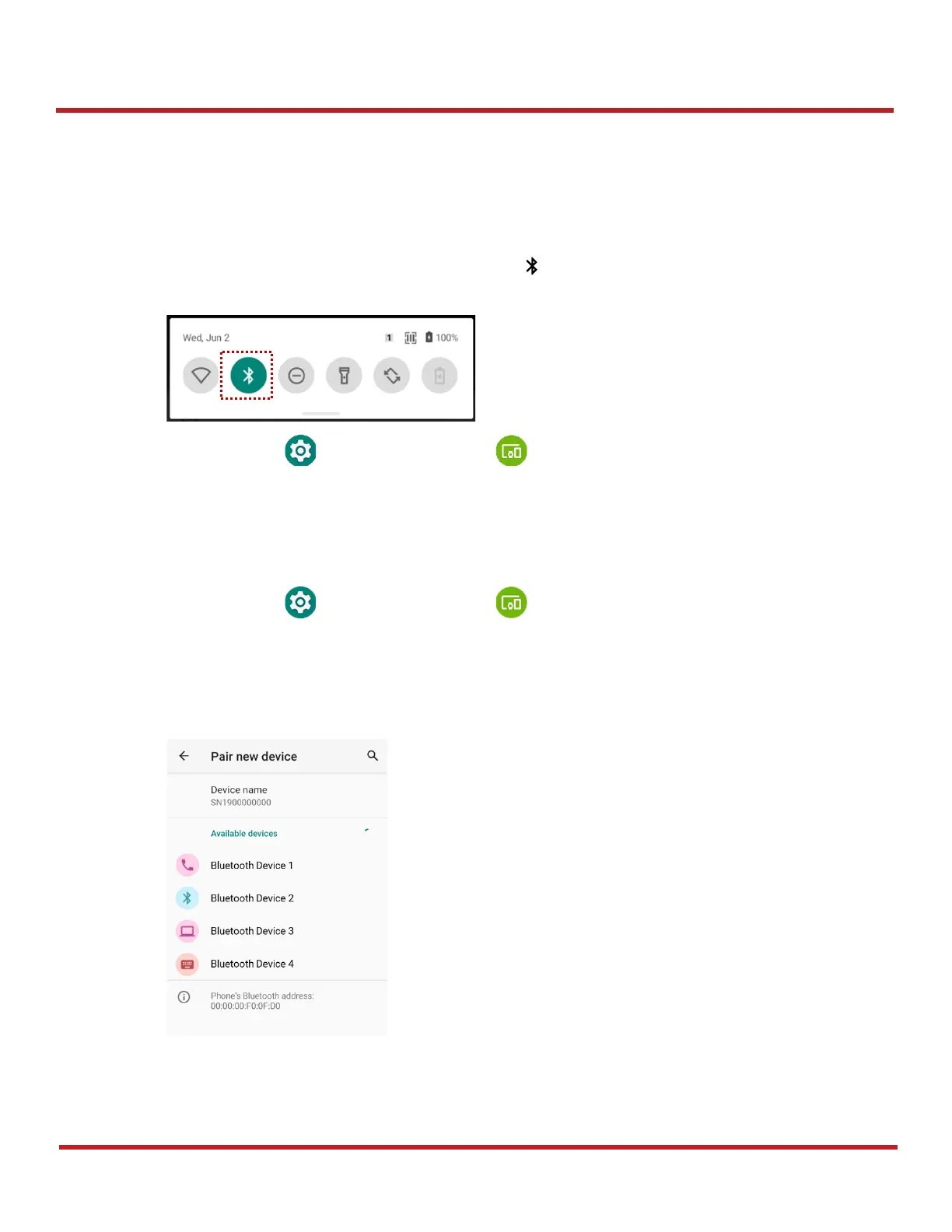
Bluetooth is turned off as default. There are two ways to turn on the Bluetooth,
- Open quick setting panel and enable Bluetooth
- Go to
Settings
>
Connected devices
>
Pair new device
Pair and Connect
Bluetooth is turned off as default. To turn on the Bluetooth and connect with a new device,
1. Go to
Settings
>
Connected devices .
2. Tap
Pair new device.
(Bluetooth will be turned on automatically)
3. Select the device you want to pair among
Available devices
list.
4. Follow instructions on the screen (Pairing code or pairing confirmation dialog) and tap
PAIR.



 To Next Page