>--·-~
SkyHuntct40~
7.3 LED CODING
MANL:INS:SH:X:XX
August 8 ,2013
Rev25
You will notice specific LED codes flashing on your EL T's LED or the ELT on the Remote Rocker
Switch, these codes and meanings are described below
7.3.1 Self Tests
There are separate self tests available on the SkyHunter406 EL T's as follows:
7.3.1.1 Arm Test
CAUTION: This Self Test uses battery power and as a result if you choose to perform more
than the recommended monthly testing early battery replacement may be required.
• Place the ELT locking Master Switch in the "ARM" position.
• With the ELT already in the "ARM" position, press the "RESET" at the Remote Switch.
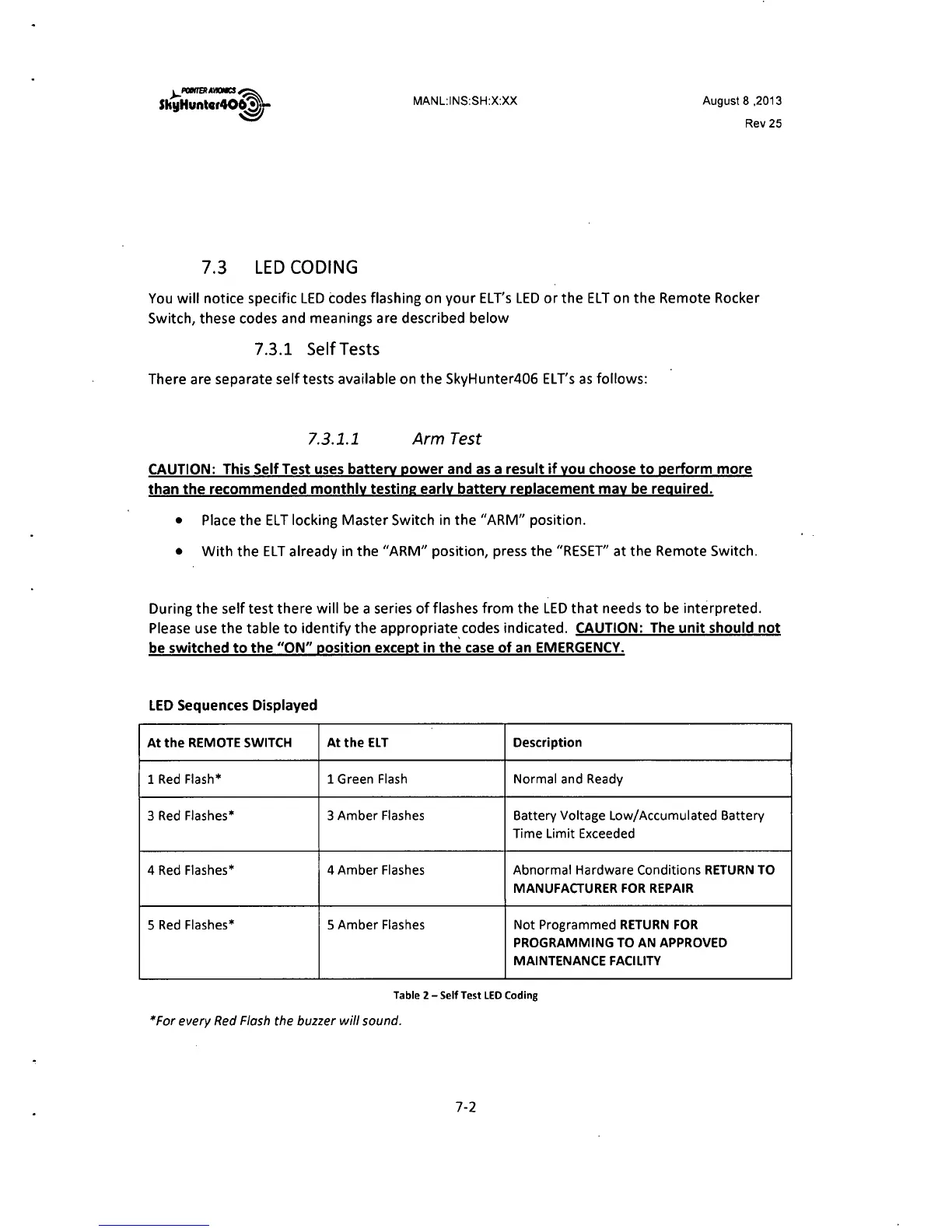
During the self test there will be a series of flashes from the LED that needs to be interpreted.
Please use the table to identify the appropriate. codes indicated. CAUTION: The unit should not
be switched to the "ON" position except in the case of an EMERGENCY.
LED Sequences Displayed
At the REMOTE SWITCH At the ELT Description
1 Red Flash* 1 Green Flash
Normal and Ready
3 Red Flashes* 3 Amber Flashes
Battery Voltage Low/Accumulated Battery
Time Limit Exceeded
4 Red Flashes*
4 Amber Flashes Abnormal Hardware Conditions RETURN TO
MANUFACTURER FOR REPAIR
5 Red Flashes*
5 Amber Flashes Not Programmed RETURN FOR
PROGRAMMING TO AN APPROVED
MAINTENANCE FACILITY
Table 2 - Self Test LED Coding
*For every Red Flash the buzzer will sound.
7-2



 To Next Page