>-Plllll1EIIAIIOHICS &
SkyHuntcr,40~
7.3.2 ELT "ON"
MANL:INS:SH:X:XX Augusta ,2013
Rev 25
The ELT will be "ON" when: (ELT Remote Switch must be connected)
1. The EL T locking Master Switch is placed in the
11
0N" position or;
2. The ELT is in the
11
ARM" position and the
11
0N" is pressed at the Remote Rocker Switch
or;
3. The ELT is in the
11
ARM" position and the G-Switch has been activated.
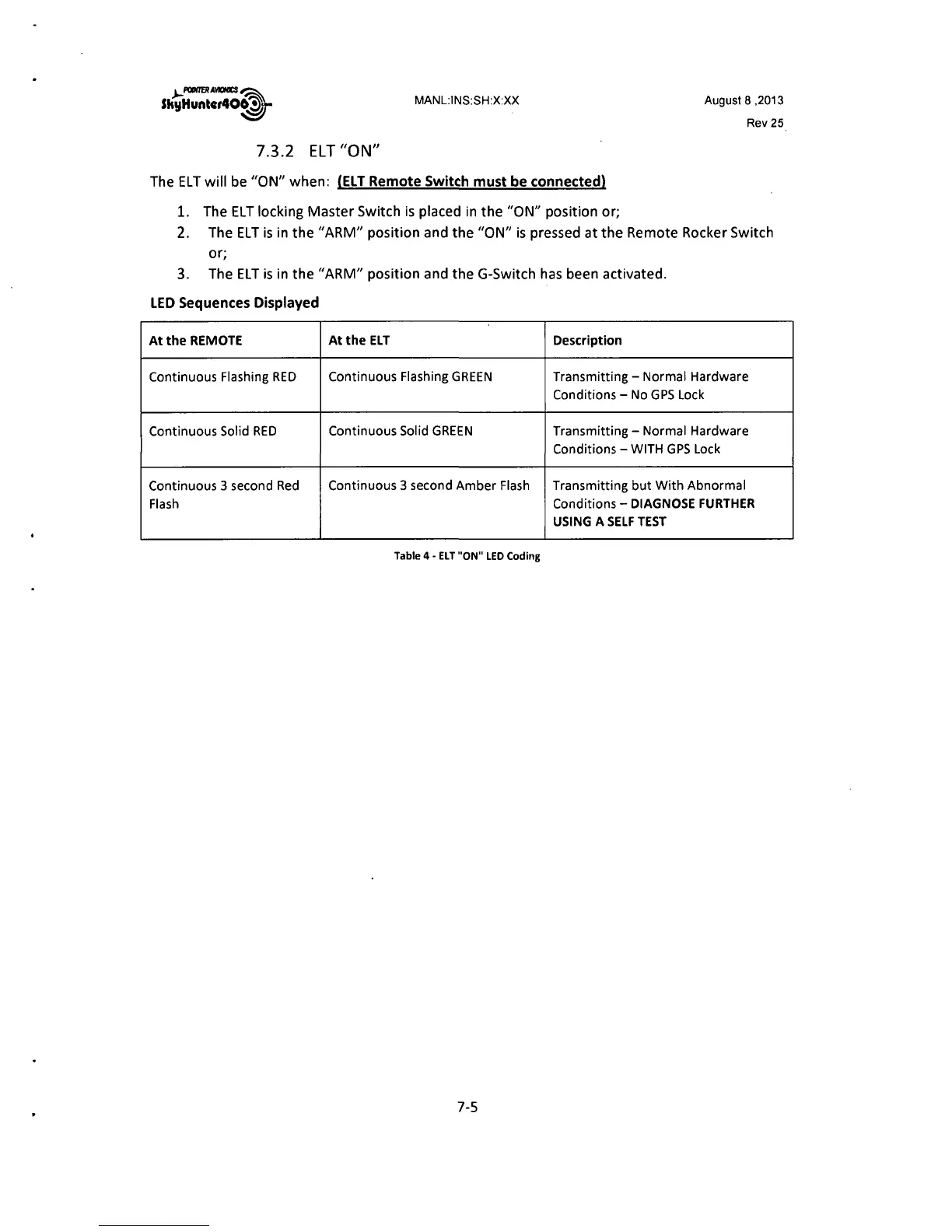
LED Sequences Displayed
At the REMOTE At the ELT Description
Continuous Flashing RED
Continuous Flashing GREEN Transmitting - Normal Hardware
Conditions - No GPS Lock
Continuous Solid RED
Continuous Solid GREEN Transmitting - Normal Hardware
Conditions - WITH GPS Lock
Continuous 3 second Red
Continuous 3 second Amber Flash Transmitting but With Abnormal
Flash Conditions - DIAGNOSE FURTHER
USING A SELF TEST
Table 4 - EL T "ON" LED Coding
7-5



 To Next Page