PM451 Android 9.0 User Manual
58
© 2006 – 2020 POINTMOBILE Co., Ltd. All rights reserved
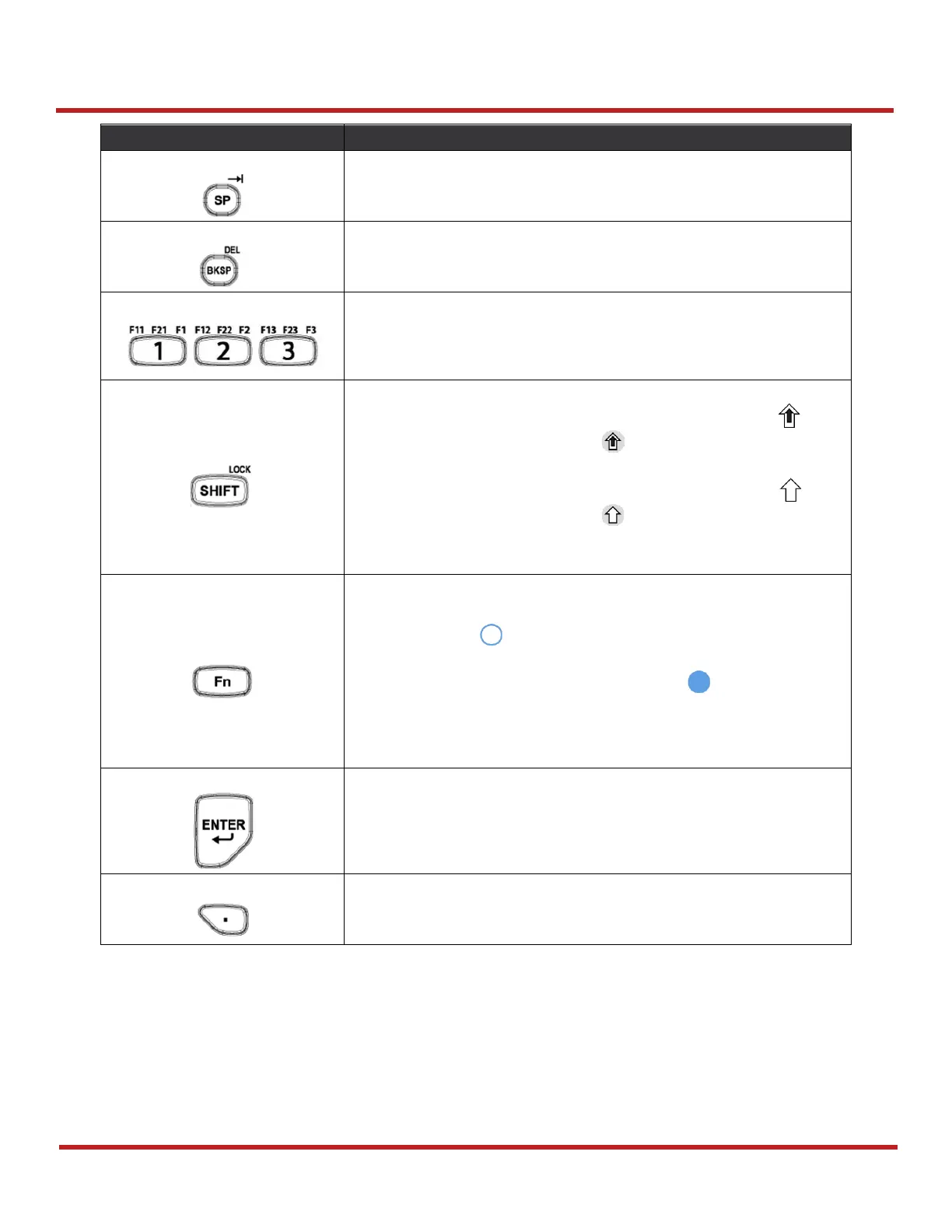
Using the Keypad
The numeric keys 0 to 9.
(or Function keys F1 to F23 with Fn / SHIFT / CTRL keys)
Press once
- Activate Shift combination input mode. The icon
appears on status bar. Ex)
Press twice
- Lock the Shift combination input mode. The icon
appears on status bar. Ex)
Press three times
- Back to default input mode
Press once
- Activate Functions input mode (Shown on the keypad in
Blue). The icon appears on status bar
Press twice
- Lock the Functions input mode. The icon appears on
status bar
Press three times
- Back to default input mode
Input a period or a decimal point



 To Next Page