PM451 Android 9.0 User Manual
59
© 2006 – 2020 POINTMOBILE Co., Ltd. All rights reserved
Using the Keypad
Press once
- Input a symbol you set. By default, '~' will be inserted
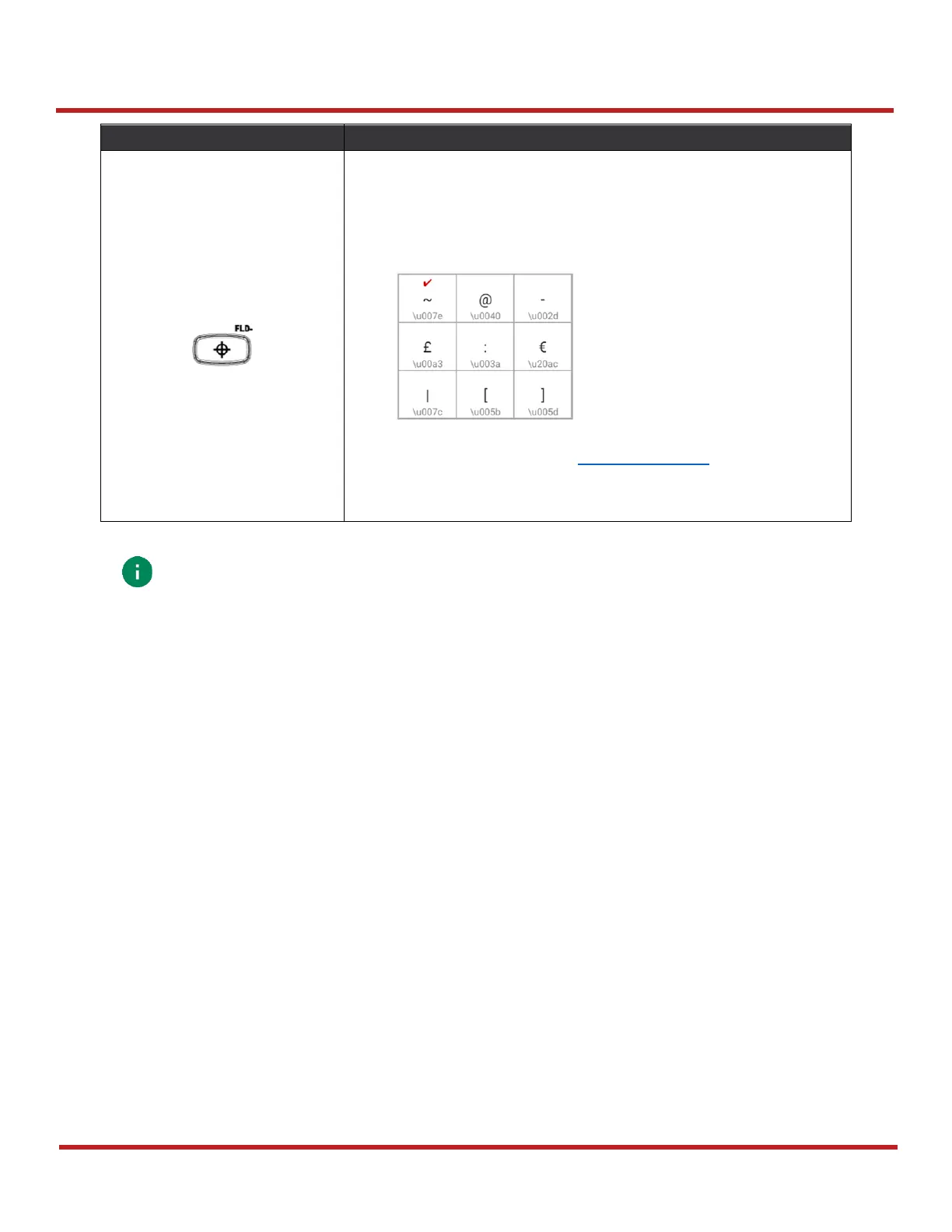
Press twice
- Provides a 3x3 grid on the screen with nine additional
symbols. Choose a symbol you want.
- You can change the configuration of the grid with Program
buttons. Please refer to Program buttons.
Press three times
- Hide the grid
Note:
The 5250 terminal emulation keypad configuration is only used when the 5250
emulation software runs on PM451.
Ex) ERP INP, CLR EOF, SYS RQ keys in CTRL functions mode



 To Next Page