Getting Started with Your Phone
1 - 11
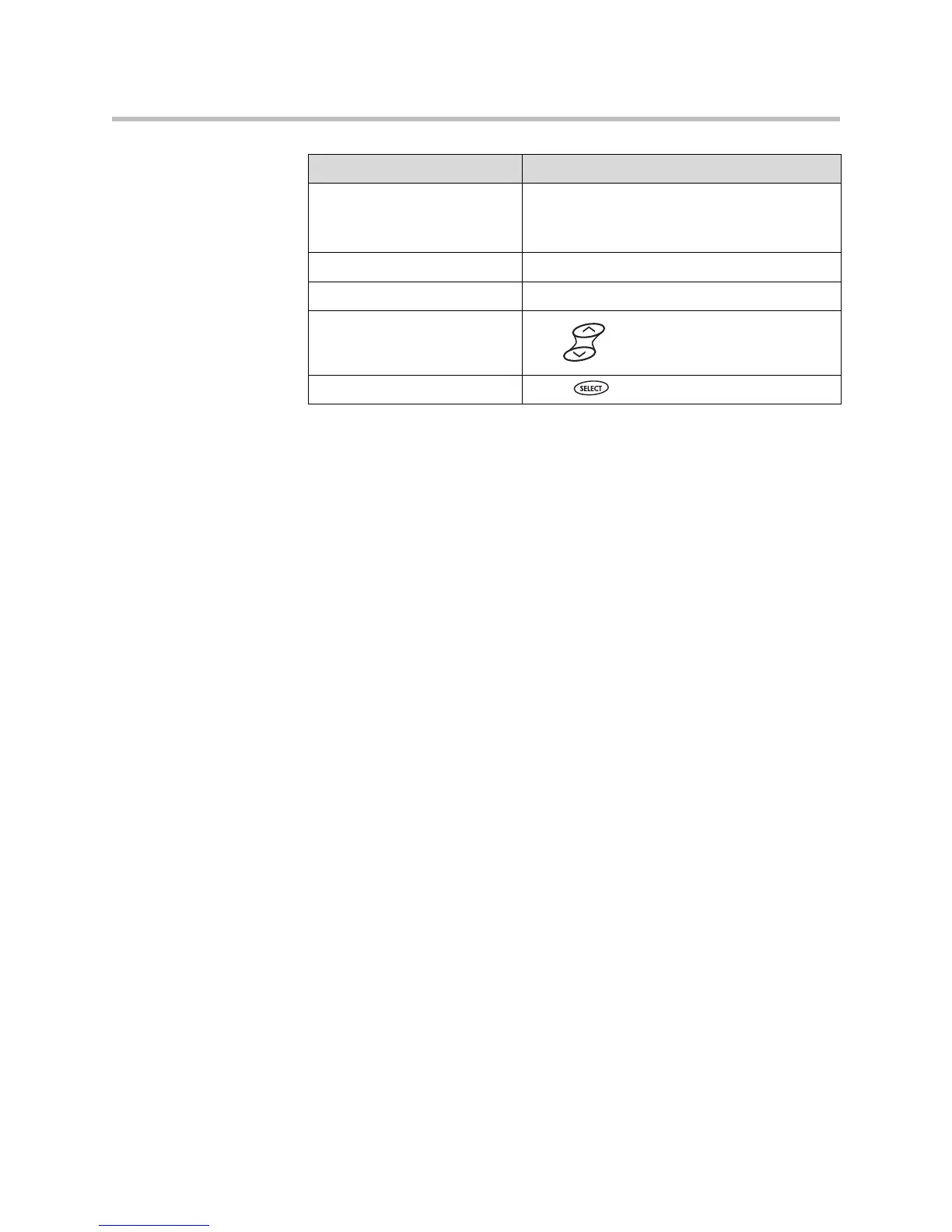
Enter text in a specific
language
Press the Encoding soft key.
When in text entry mode, the language the text
will display in appears at the top of the screen.
Delete text you entered Press the << soft key.
View additional soft keys Press the More soft key.
Enable or disable fields Use or the Change soft key.
Enable or disable menu items Press .
If you want to... Then do this...







 To Next Page