4
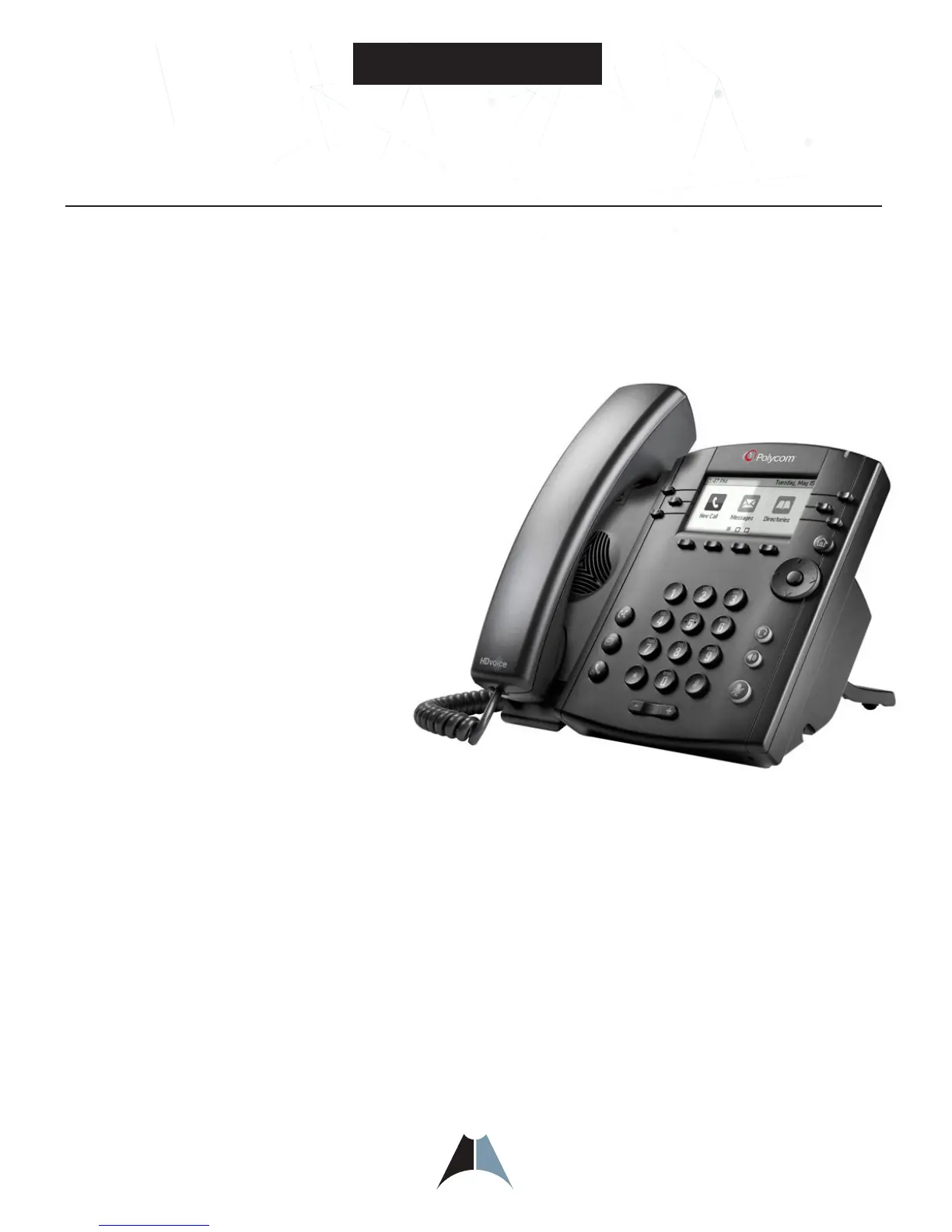
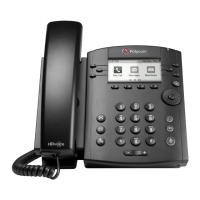
Polycom VVX 300
Polycom VVX 300/310 Telephone Feature Overview
Polycom® VVX® 300 Series Business Phone
The Polycom VVX 300/310 phones bring high-quality, cost effective solutions to any environment through advanced
UC features. Using the intuitive user interface of the VVX 300/310 makes usability and navigation easy and
requires minimal training.
Key Benefits
• Make more efficient and productive calls with the unparalleled voice
clarity of Polycom® HD Voice™
• Improve productivity for cubicle worker’s and call center
operators through an intuitive easy to use user interface
• Leverage previous IT infrastructure investments—deploy
VVX 300 business media phones on your existing network
without needing to upgrade your call control platform
• Easily to integrate with third- party web-based UC and
productivity applications for broad, standards based,
open APIs
• The Polycom®VVX®300 Series business media
phone is a powerful entry-level phone for today’s
cubicle workers handling a low to moderate
volume of calls delivering crystal clear
communications
• Common areas, dorm rooms, wall-mounted
deployments, cubicle, office desk
• 6 lines or speed dials
• 208 x 104 pixel resolution
• Polycom HD Voice up to 7 kHz on all audio paths (speaker, handset, headset)
• Model 300 2 x Ethernet 10/100 or Model 310 2 x Ethernet 10/100/1000
• Asian character support
• Hard Keys: 12-key dial-pad, home, speaker, mute, headset, volume, messages, hold, transfer
• 4-way navigation cluster with center “select” key
• Supports Polycom VVX Expansion Module and Polycom VVX Color Expansion Module (expandability up to 3
modules)
• Does not support VVX Camera or Bluetooth Headset



 To Next Page