6
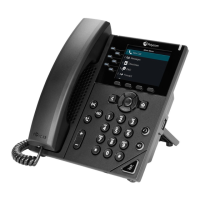
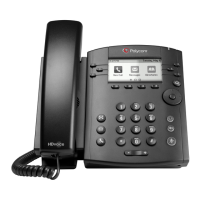
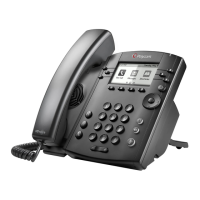
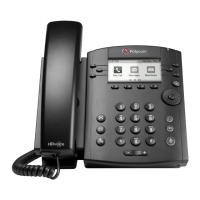
Polycom VVX 300
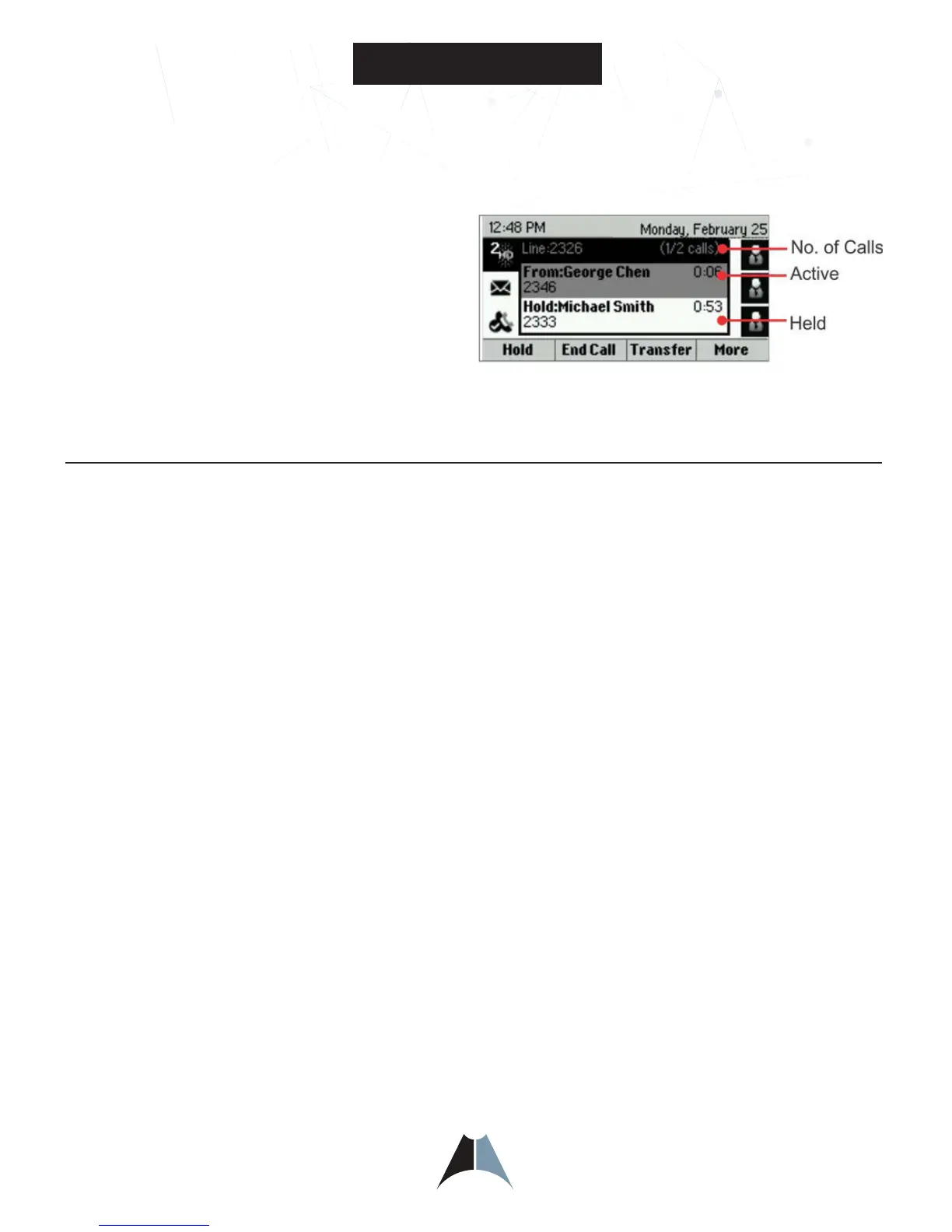
Call color indicates status:
• Medium grey—Active call
• Dark grey—Incoming call
• Light grey—Held call
Use the Navigation Key to move between calls and the
Select Key to highlight a call.
The soft keys apply to the highlighted call.
General Help
This is not a touch screen telephone and requires the use of the Navigation Wheel (Key) and Select Key to navigate
through the items displayed on the display screen or using the buttons around the display window. The content
choices will change in the Soft Key area by the activity state of the phone.
Answering the Phone
To Answer a call:
• Pick up the handset
• If you have a headset, press the headset button.
• If you prefer speakerphone, press the speakerphone button to answer the call or the Answer soft key.
To Answer a second call:
• While on a call, a second call is seen on the screen and you will hear a brief ring sound.
• Press the Answer soft key at bottom of Soft Key display window
• First call will be placed on hold automatically
• Use the Navigation Key to move between calls and the Select Key or Soft Key to select active call.
To go back to the first call:
• Use the Navigation Key to highlight the first call,
• Then press the softkey labeled RESUME or the Select key
How to Use your Polycom® VVX® 300 Business Media Phone



 To Next Page