8
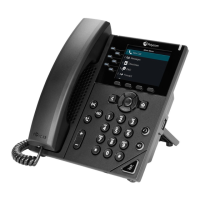
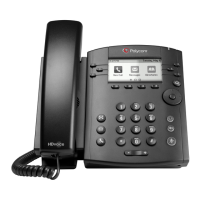
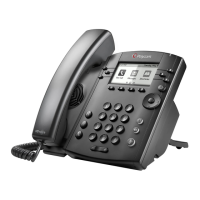
Polycom VVX 300
• Dial the voice portal telephone number.
• Enter your extension.
• Enter your passcode plus #.
From someone else’s Masergy phone
• Dial the voice portal telephone number, press *.
• Dial your extension, then your passcode and #.
• Note: To clear the message waiting indicator,
• Press *99.
Transfer a Call (ANNOUNCED)
To Transfer a call, while on the phone:
• Press the soft key labeled Transfer.
• Dial the extension or phone number you want to transfer the call to.
• Wait on line for called party to answer.
• When party 2 answers, tell them who is on the line.
• Press the soft key labeled Transfer to connect the two parties.
• If they decide they do not want the call, press CANCEL to speak to the caller.
Note: An announced transfer is recommended to some cell phone providers. A blind transfer can sometimes go
directly to voice mail.
Transfer a Call (BLIND-NOT ANNOUNCED)
To Transfer a call, while on the phone:
• Press the Blind soft key.
• Dial the extension or phone number you want to transfer the call to
• Press Send soft key.
• Press the soft key labeled Transfer
To Transfer a call directly to Voicemail while on a call:
• Press the soft key labeled More
• Press the soft key labeled SendVM
• Enter the extension number
• Hang up.



 To Next Page