59
• Print pen colors as black: Select this option when printing to a
black and white printer to print pen colors in solid black. On
black and white printers, colors are normally differentiated
using shades of gray.
• Print white background: Use this option to print a white back-
ground regardless of the background color specified using “Col-
ors” in the Edit menu. If this option is unchecked, your non-
white background prints in color.
Customizing Headers and Footers in Windows
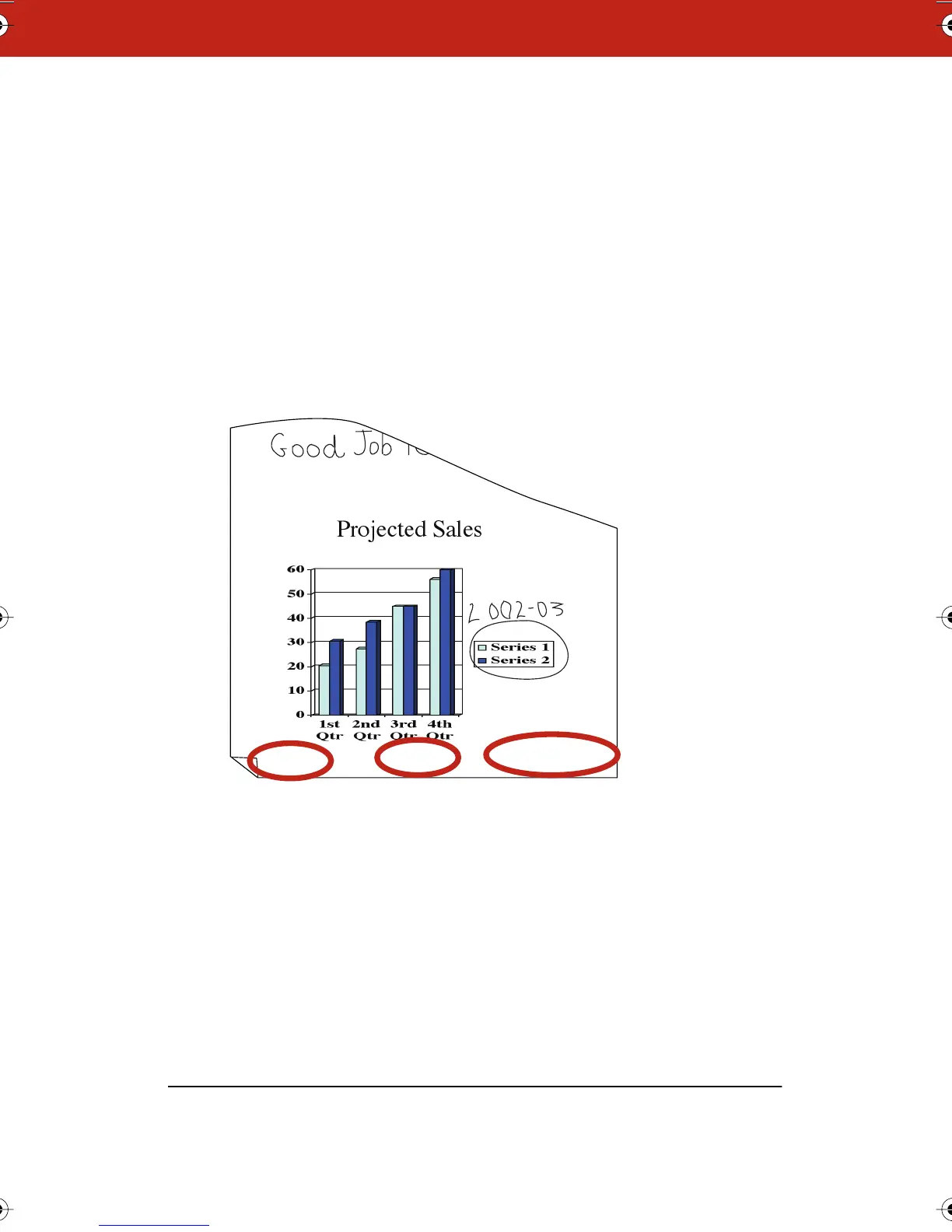
By default, snapshot printouts include the following footers:
• Webster file name
• Webster notes
• Date of snapshot
You can edit, delete, or format the header or footer by changing the
options in the Print dialog.
To customize headers or footers in Windows:
1 Choose “Print” from the File menu.
Projected sales Webster notes Snapshot taken 2/31/03
Webster_draft2.book.mif Page 59 Friday, October 11, 2002 10:07 AM



 To Next Page