83
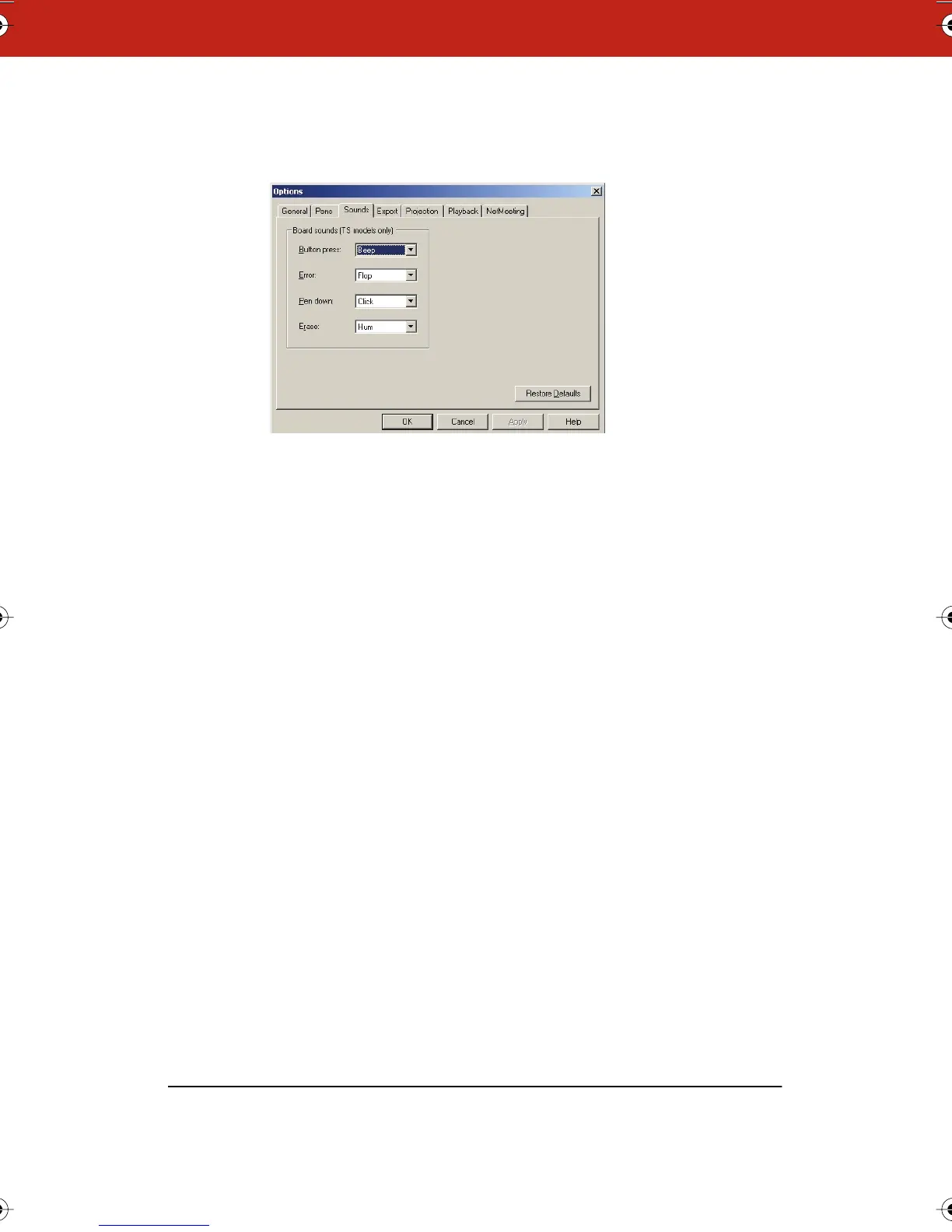
2 Click the “Sounds” tab.
3 Select a sound from the drop down menus. On a Macintosh,
click the speaker icon to hear the sound.
4 Click “OK” to apply the settings and close the dialog.
To restore factory default options:
• Click “Restore Defaults.”
Customizing Image Export
You can specify the default characteristics for images that you
export. (Refer to “Exporting Snapshots” on page 55.)
To customize export settings:
1 Choose “Options” (Windows) or “Preferences” (Macintosh) from
the Edit menu.
Webster_draft2.book.mif Page 83 Friday, October 11, 2002 10:07 AM



 To Next Page