1
Overview
Welcome to the Webster
Interactive Whiteboard. This manual
provides instructions for installing Webster TS (touch sensitive) and
LT (laser tracking) electronic whiteboards, and for operating the TS,
LT, IRP (interactive rear projection), and IPD (interactive plasma
display) systems.
What is Webster?
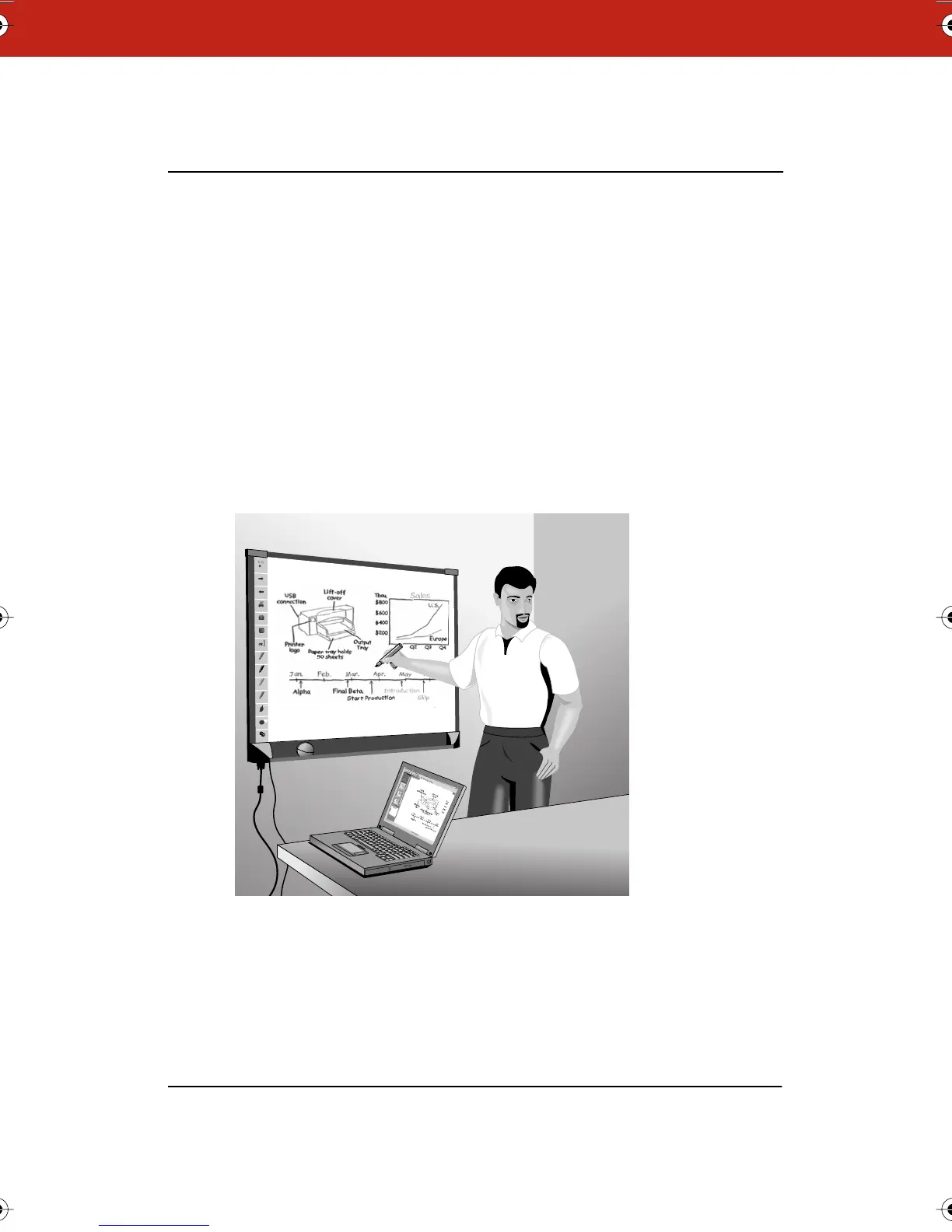
The Webster board is an interactive electronic whiteboard that
connects to your Windows PC or Macintosh PC. Capture anything you
write or draw on the board by printing it or by saving it on the
computer. The Webster software records all whiteboard activity for
you to save, use in other applications, print, or distribute.
Many Ways to Use Webster
Use Webster during a presentation or meeting to capture notes and
ideas. You can remain at the whiteboard; Webster gives you the tools
you need to write, erase, print, or capture a copy of the board.
Green Pen
Blue Pen
Narrow Erase
Wide Erase
Red Pen
Black Pen
Erase All
Snapshot
Print
Snapshot
Tools
Back
Forward
Projection
Show Board
Webster_draft2.book.mif Page 1 Friday, October 11, 2002 10:07 AM



 To Next Page