2
The most basic way to use Webster is to print copies of the board
during your meeting using a printer that is also connected to the
computer.
In addition, the Webster software records what you write or draw, so
you can capture your whiteboard notes on the connected computer.
This enables you to add or erase, save, print, or distribute the
captured image using the features of the Webster software at any
time, even when the whiteboard is not turned on or connected to the
computer.
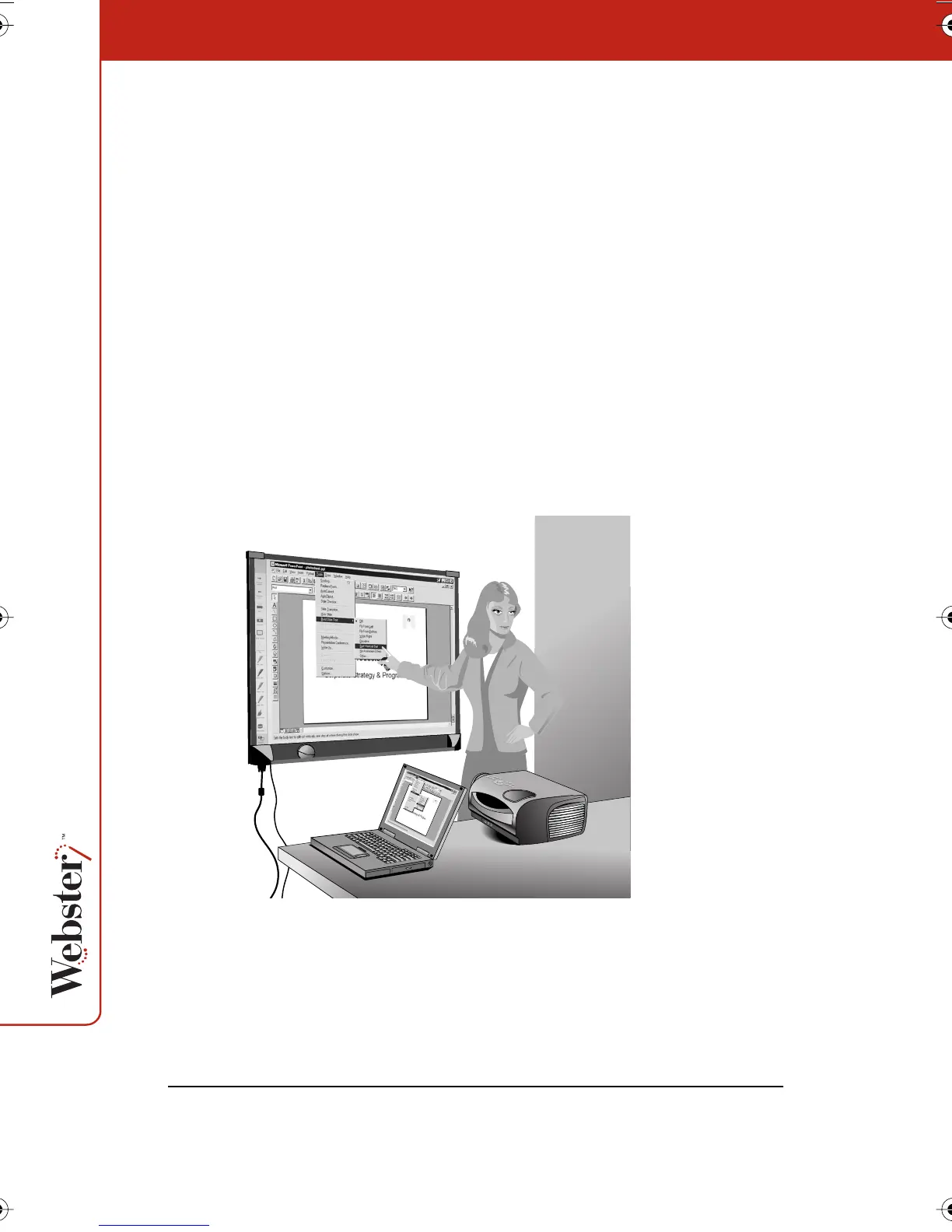
If you connect a projector to your system, the whiteboard becomes a
giant, interactive touch screen that enables you to operate your
computer while standing at the whiteboard. For instance, you can
control a presentation (using software such as PowerPoint) on your
computer while standing at the whiteboard simply by using a finger
or stylus as the mouse.
Since you can operate your computer and any software on it from the
whiteboard, you can write on the whiteboard to make notes next to
the projected computer image, and capture everything on the board
(both notes and projected image) using the Webster software.
Webster_draft2.book.mif Page 2 Friday, October 11, 2002 10:07 AM



 To Next Page