89
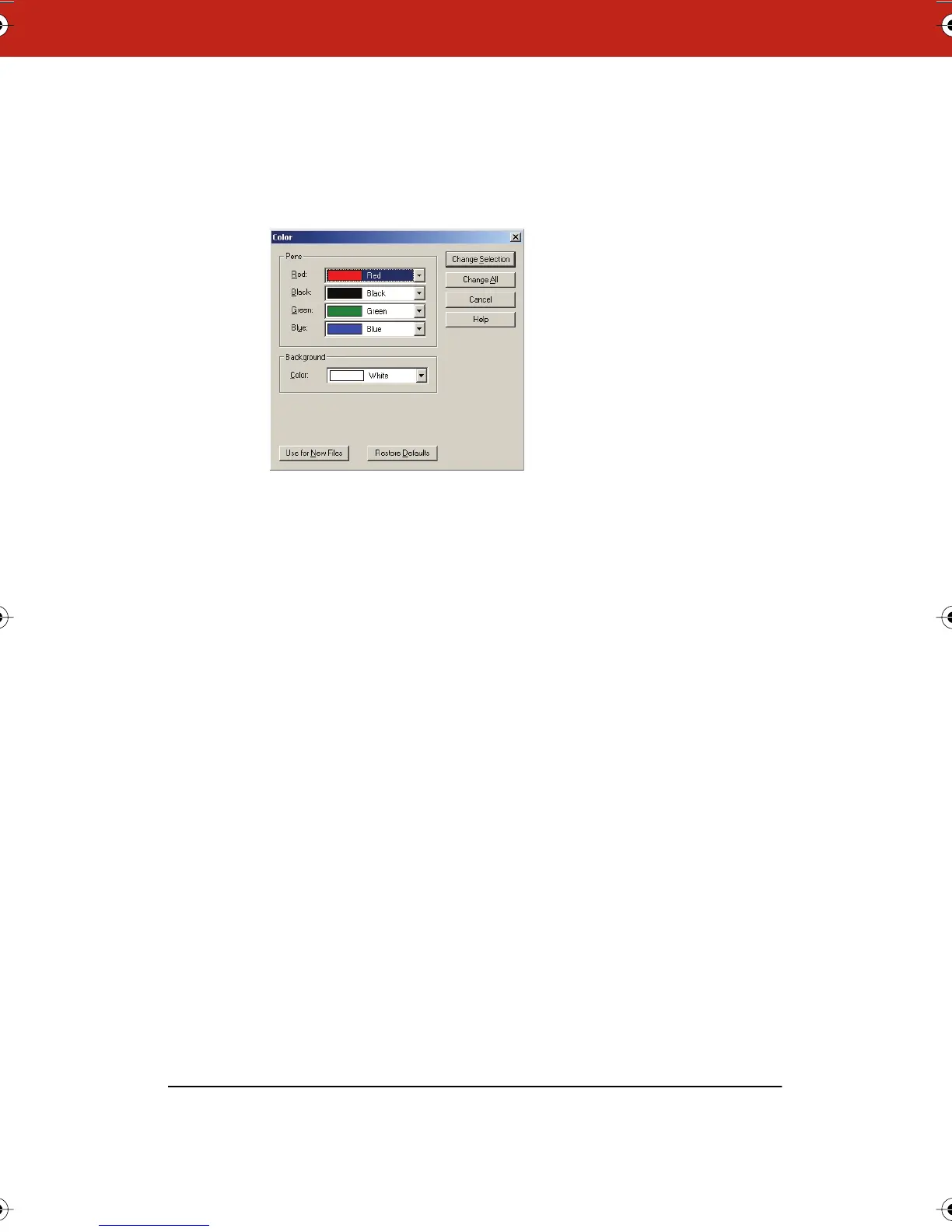
To change the default colors in Windows:
1 Choose “Color” from the Edit menu. The following dialog
appears.
2 Select a new pen and/or background color from one or more of
the drop down menus.
3 Specify:
• “Change Selection”: Click to apply the new colors to the
selected snapshot(s) or current board.
• “Change All”: Click to apply changes to all snapshots and the
current board in the open file.
• “Use for New Files”: Click to apply changes to the current file
and new files that you create. Otherwise changes apply only
to the currently open file.
To restore factory default options:
• Click “Restore Defaults.”
Webster_draft2.book.mif Page 89 Friday, October 11, 2002 10:07 AM



 To Next Page