EN | 19
4.3 Using operating modes
4. USE
Before use, ensure that the ltration pump is working and that water is circulating
through the heat pump.
Description of operating modes
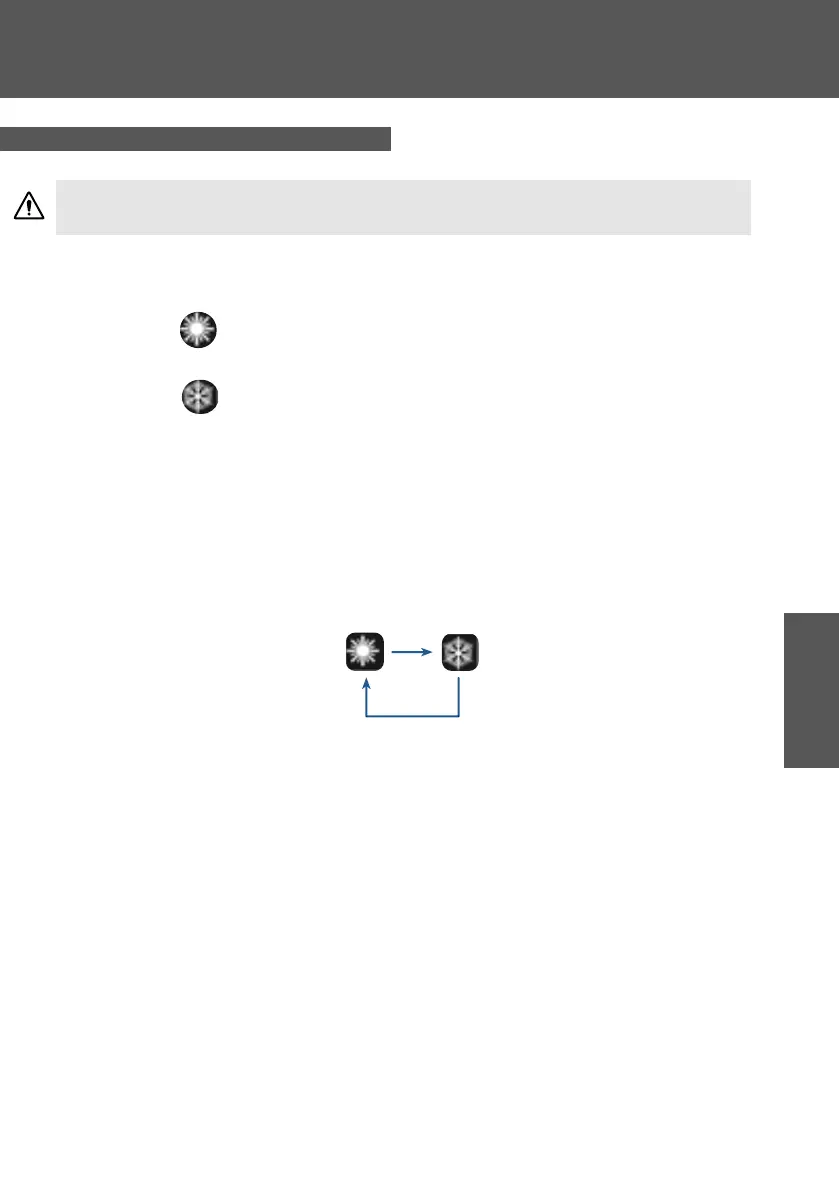
Heating mode
Select the heang mode if you want to heat up the tub water with the heat pump.
Cooling mode
Select the cooling mode if you want to cool down the tub water with the heat pump.
By default, the heat pump is in heang mode.
To shi from one operang mode to another, press MODE for 3s.
The dierent modes form a cycle:
(heang > cooling)
Good to know:
The heat pump can take several minutes to change operang mode in order to preserve the
refrigerant uid.
The maximum set temperature is 40 °C.
Selection of the desired operating mode



 To Next Page