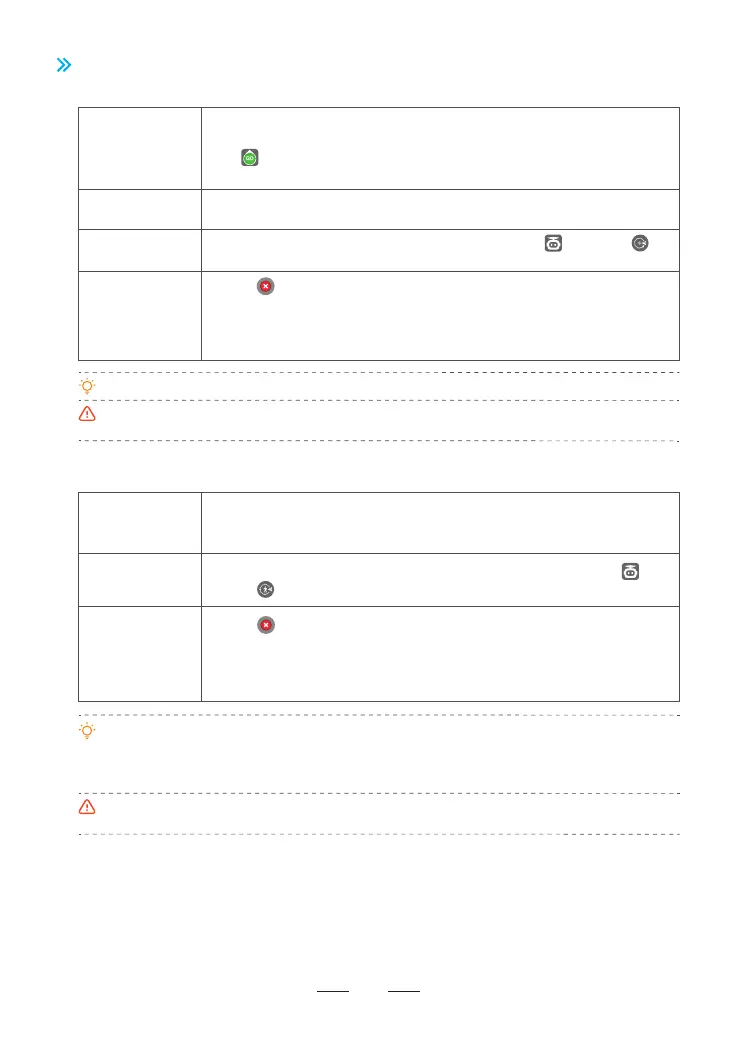
1. Tap on the left to exit Circle Flight.
2. Move a control stick to stop Circle Flight. The drone will hover in place.
3. Short press the RTH/Pause button on the remote controller to stop Circle
Flight. The drone will hover in place.
1. Tap on the left to exit Follow Me Flight.
2. Move a control stick to stop Follow Me Flight. The drone will hover in place.
3. Short press the RTH/Pause button on the remote controller to stop Follow
Me Flight. The drone will hover in place.
When GPS signal is normal and flight height is ≥5m, tap and select
in App.
7.8 Smart Flight
Description
Description
How to start
How to exit
How to start
How to exit
7.8.1 Circle Flight
Adjustable
parameter
Start circle flight, the drone will fly forwards by taking the current position
as circle center until it reaches the starting point of circle flight; When user
tap in App, the drone will fly around the circle at a set speed and
direction.
User can set the radius,speed and direction of the Circle Flight in Circle
Flight Setting.
When circle flight is enabled, the drone will ascend to 5m automatically if its height is less than 5m.
Make sure there’s no obstacle in the radius of circle flight and use the product with caution, for the
drone does not support obstacle avoidance function.
When follow me flight is enabled, the drone will ascend to 5m automatically if its height is less than
5m.
The follow accuracy depends on the quality of the drone GPS signal and positioning accuracy of
user’s mobile device.
The follow me flight depends on the positioning of user’s mobile device. The positioning authority
of App is required, or this function is disabled.
7.8.2 Follow Me Flight
Once follow me flight is enabled, the drone will follow User’s mobile device at
the current distance; The flight height and yaw can be adjusted during follow
me flight.
When GPS signal is strong and horizontal flight distance is 5-50m, tap and
select in App.
29



 To Next Page