Powered by Safety
®
23
Troubleshooting
01.4IB.48070A
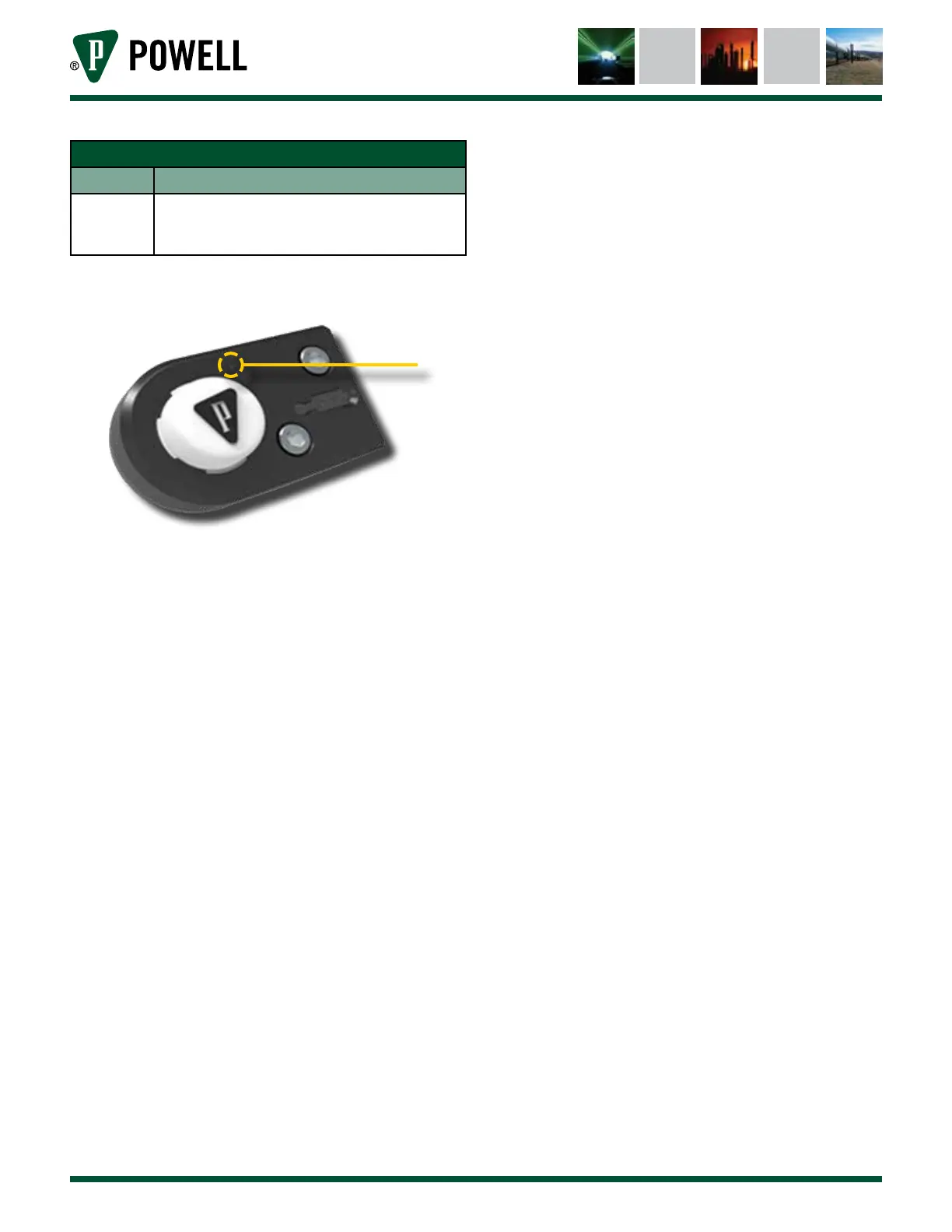
Table I EIM LED Indications
Color Description
Green Flashing - occurs when the EIM is connected
to a laptop and is communicating with the
CBM
Figure 25 EIM LED Indicator
a. LED Indicator
a
1) CBM Alarm Events
a. Flashing RED LED
i. Parameter in Alarm Range
Parameters Used for Breaker
Performance:
• Total Close Time
• Total Charge Time
• Total Trip Time
• Close Coil Voltage
• Charge Motor Voltage
• Trip Coil Voltage
• Supply Voltage Sag/Swell
• Close Fail
• Charge Fail
• Trip Fail
Parameters Used for Environmental
Conditions:
• Supply Voltage (Control Voltage
to Breaker)
• Event Voltage Transient (Close,
Charge, & Trip)
• Phase Temperature
• Ambient Temperature
ii. CBM loss of Hall Effect connection
iii. CBM BriteSpot Fiber loss
iv. CBM watchdog alarm
b. Troubleshooting CBM Alarms that are
not Circuit Breaker Related
i. Connect to the CBM via IRIM/EIM
and using BreakerView software
determine if the BriteSpot® fibers are
reading.
ii. In the BreakerView software inspect
the coil and motor current signature
for presence, if no current signature,
inspect Hall Effect LED.
iii. If current signature is not
present, Hall Effect may have
failed/disconnected after the
breaker operation. If practical,
remove the breaker from the
switchgear and inspect the Hall
Effect with the breaker powered and
cover removed.
iv. If the breaker can't be removed from
service, inspect current signature at
first operation.
v. If all BriteSpot fibers are connected
and functioning correctly and Hall
Effect is functioning correctly, the
alarm is a CBM watchdog alarm.
CBM will need to be replaced.



 To Next Page