To navigate between hyperlink topics using a keyboard, select ALT+◄ or ALT+►.
42
Table of Contents
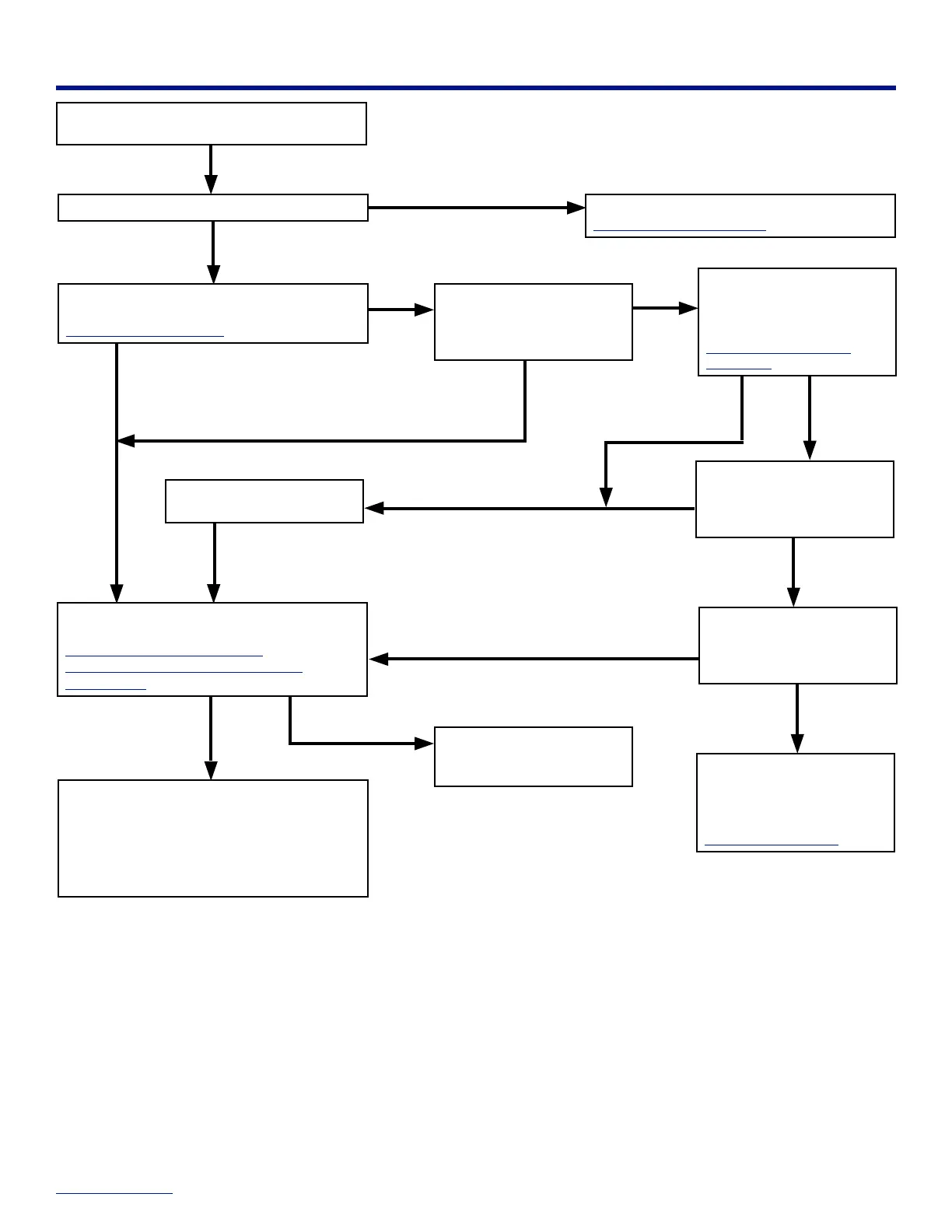
Appliance Does Not Operate
YES
NO
YES
NO
YES
Is the AC circuit breaker tripped “OFF”? Reset the AC circuit breaker.
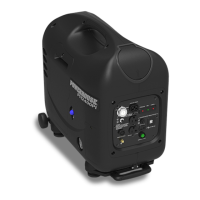
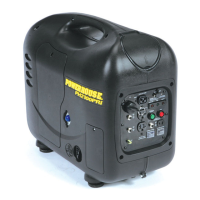
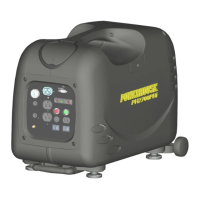
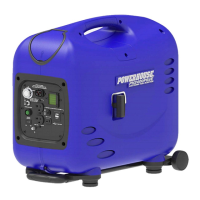
PH2400PRi/E Control Panel
There are defects in the electrical appliance:
• Check for power using a meter, or a known
good appliance.
• Replace the electrical appliance or equipment.
• Take the electrical appliance or equipment to
an electrical shop for repair.
Check the output of the
generator using a meter.
Is the generator producing
voltage?
YES
Shut down and restart the
generator.
Did the generator start
producing voltage?
Use appliances rated for the
generator's output and/or
environmental impacts.
NO
YES
NO
NO
NO
YES
NO
Disconnect any appliances connected to the
generator.
Is the generator producing voltage?
Check the U: (current/voltage) line on the LCD.
PH2400PRi/E Digital LCD
YES
Press and hold the green
overload reset button for 3
seconds. Did the generator
start producing voltage?
Clearing an Overload
Condition
Plug the appliance back in.
Does the appliance operate?
Is the generator overloaded?
"OVER" is displayed in the P:
(power/watts) output line on
the LCD.
Does the appliance match the output rating of
the generator?
Appliance Power Requirements
Environmental Impacts on Generator
Performance
If there is no voltage, take the
generator to an authorized
POWERHOUSE® service
center.
Find a Service Center
NO


 To Next Page