To navigate between hyperlink topics using a keyboard, select ALT+◄ or ALT+►.
12
Table of Contents
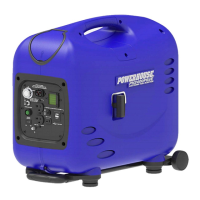
PH2400PRi/E Digital LCD
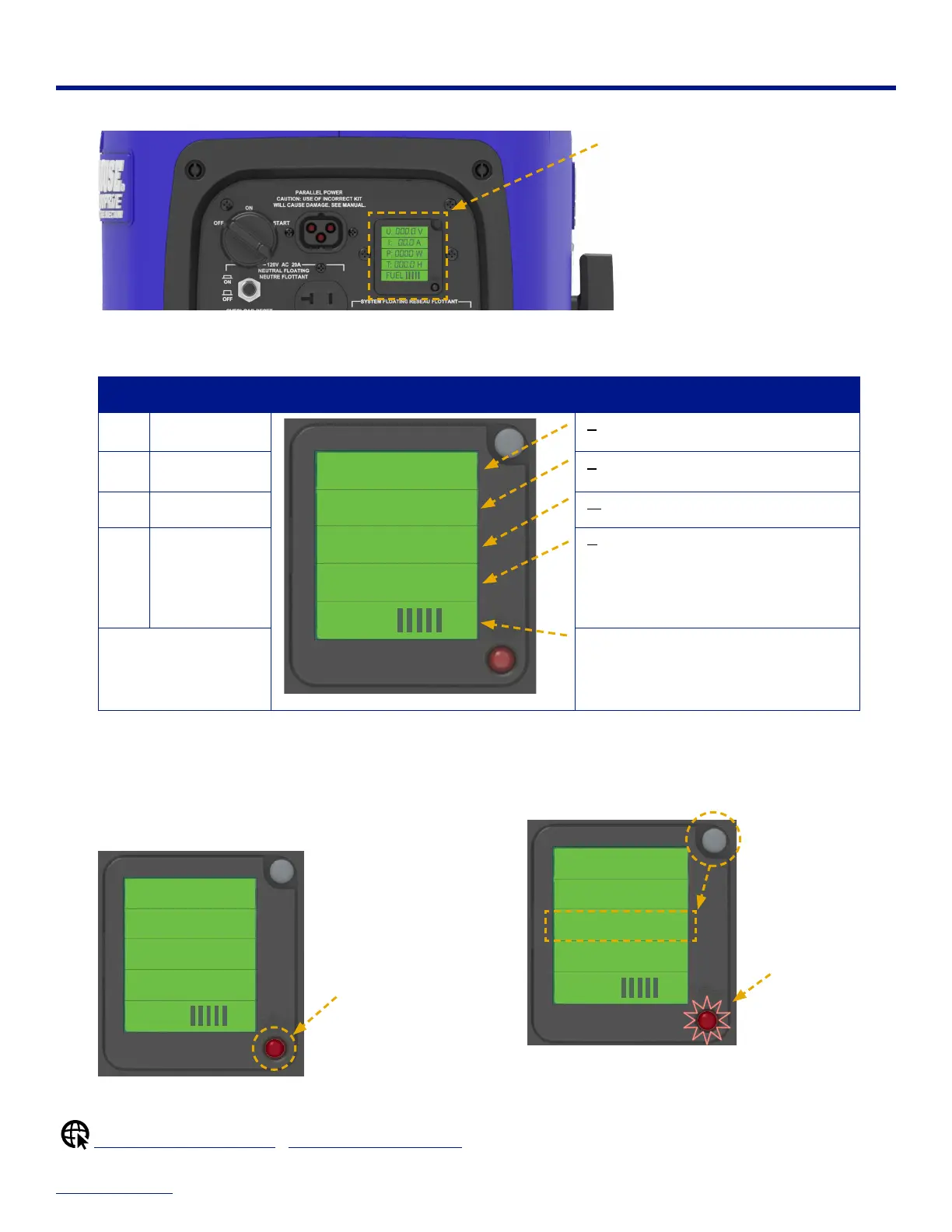
Use the digital LCD (liquid crystal display) on the control panel to monitor the generator's operating status.
Digital LCD
When the generator is running, the LCD illuminates to display real-time data for voltage, amps, watts, total hours of
operation, and approximate fuel level.
LINE OF DATA LCD OUTPUT / UNIT OF MEASURE
U : (voltage source)
FUEL
T:
000.0 H
P:
0000 W
I:
00.0 A
U:
000.0 V
Voltage
I : (current)
Amps
P : (power) Watts
T : (time) Hours of operation
Includes initial startup and testing hours at
the factory.
FUEL Fuel Level (Full tank is 5 bars)
Each vertical bar represents approximately
20% of total fuel remaining.
Indicator Light
The Indicator Light (red) illuminates to alert you of the
following operating conditions:
• Low Oil (steady red light)
• Fault Condition (blinking red light)
FUEL
T:
000.0 H
P:
0000 W
I:
00.0 A
U:
000.0 V
Steady red light
indicates a low oil
condition
Display Reset Button
The Display Reset Button enables you to view and clear
fault codes.
FUEL
T:
000.0 H
P:
0230 W
I:
00.0 A
U:
000.0 V
Press reset button
to toggle display
of fault code(s)
Blinking red light
indicates a fault
condition(s)
Clearing a Low Oil Condition | Clearing a Fault Condition


 To Next Page