12
DigiMod PFC2 - PFC4 | SERVICE MANUAL
Switching the module on in DC
15Vdc 17.5mA 30Vdc 375mA
15Vdc 20mA 30Vdc 630mA
This step is common to both the PFC2 and PFC4 models.
By means of the DigiMod PSU AUX Voltage Cable,
connect a DC Power supply to the module’s PL1
connector and supply 15Vdc.
By means of the DigiMod Mains DC Cable, connect a
second DC Power Supply and supply 30Vdc by slowly
incrementing the output voltage to spec.
Check the current drawn by the module:
PFC 2
15Vdc - 17.5 mA
30Vdc - 375 mA
PFC 4
15Vdc - 20mA
30Vdc - 630mA
(Fig. 14)
(Fig. 14)
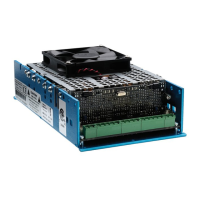
PFC2
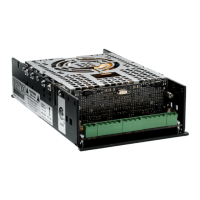
PFC4
INDEX








 To Next Page