19
DigiMod PFC2 - PFC4 | SERVICE MANUAL
INDEX
Checking the output stage - NO LOAD CONNECTED
Connect the module to the KT000291 Interface Board (CH1/2 on DigiMod PFC2, CH1/2 - CH3/4 on DigiMod PFC4) , and press the
switches between the XLR connectors in order to link CH1+CH2 and CH3+CH4.
Connect a function generator to the CH1, CH2 (PFC2) or CH1, CH2, CH3, CH4 (PFC4) ins on the Interface Board and feed a 1 kHz sine
wave @ 1 Vrms 8-32 EIAJ test signal.
Switch the module on in DC (120 V).
Check the Control Board’s LEDs.
With an oscilloscope, check the waveform by probing between the Ground and all the points indicated with a “+”. (Fig. 22)
(Fig. 22)
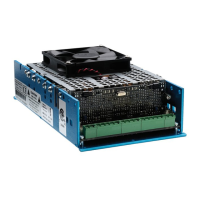
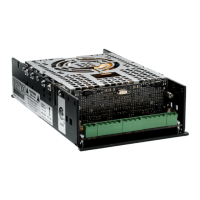
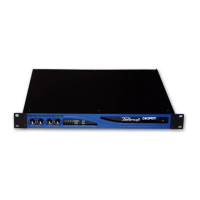
DigiMod PFC4DigiMod PFC2
The pushbuttons must be
set to the pressed position.
+ ++ +++
122Vp 1KHz 122Vp 1KHz
CH1/2 CH1/2
CH3/4








 To Next Page