31
DigiMod PFC2 - PFC4 | SERVICE MANUAL
9. Firmware Upgrade Via DigiMod PFC Manager:
• Insert the SM000886 DigiMod Programmer Board in the
DSP Slot.
• Establish a connection between the PC and the Module by
means of an USB to Mini USB Cable.
• Switch the Module On
• Launch the DigiMod PFC MANAGER v 2.1.4 software
• Wait for the software to detect the Module and read its
conguration.
• Click on the point indicated on in the picture
• Upgrade the FW by clicking on the indicated point
• Wait for the completion of the process
• Click “OK”
• Double-Click the latest FW Version
i.e. “DigiModPFC2_3.1.0.hex”
• Verify the Model, Serial Number and FW Version
i.e. 3004PFC4 s/n 129572 | FW 3.1.0
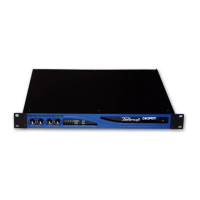
The following procedure is designed to be implemented when servicing modules derived from Ottocanali HGT (Disney) Amps.
INDEX








 To Next Page