5
DigiMod PFC2 - PFC4 | SERVICE MANUAL
INDEX
2. Opening the Module’s Cover:
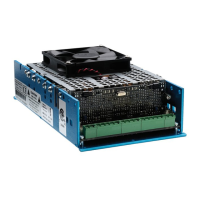
DigiMod PFC2
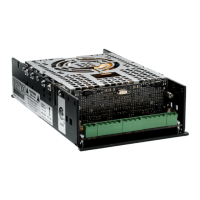
DigiMod PFC4
With a Phillips Head Screwdriver, remove all 4 screws
indicated on (Fig. 1).
Lift the top cover and unplug the fan’s power cable.
With a Phillips Head Screwdriver, remove all 6 screws
indicated on (Fig. 2).
Lift the top cover and unplug the fan’s power cables.
(Fig. 1)
(Fig. 2)








 To Next Page